THAT Wallet · Buying guide
Buy THAT on CoinStash
Buy THAT with dollars on CoinStash, an Australian exchange, and send it to your THAT wallet. Usually cheaper than a card for larger amounts, with a few more steps.
- About 15 minutes, first time
- PayID or bank transfer
- ID check at CoinStash
What you'll need
The THAT app, with a wallet
No wallet yet? The setup guide takes about ten minutes.
Photo ID
A driver licence or passport, for CoinStash's identity check when you sign up.
Dollars in your bank account
You'll deposit by PayID or bank transfer.
Why the extra step at the end
The 5 steps
- Copy Your Wallet AddressReceive, then Copy, in the THAT app
- Set Up CoinStashSign up, verify, deposit dollars
- Buy THATDollars in, THAT out
- Withdraw to Your THAT WalletPaste your address and check it twice
- Watch It ArriveIt shows in your wallet in minutes
Prefer to stay in the app? Tap Buy in your wallet to pay by card or Apple Pay instead. Buy THAT in the app, step by step.
Step 1 of 5 · Your address
Copy Your Wallet Address
From Receive in the THAT app.
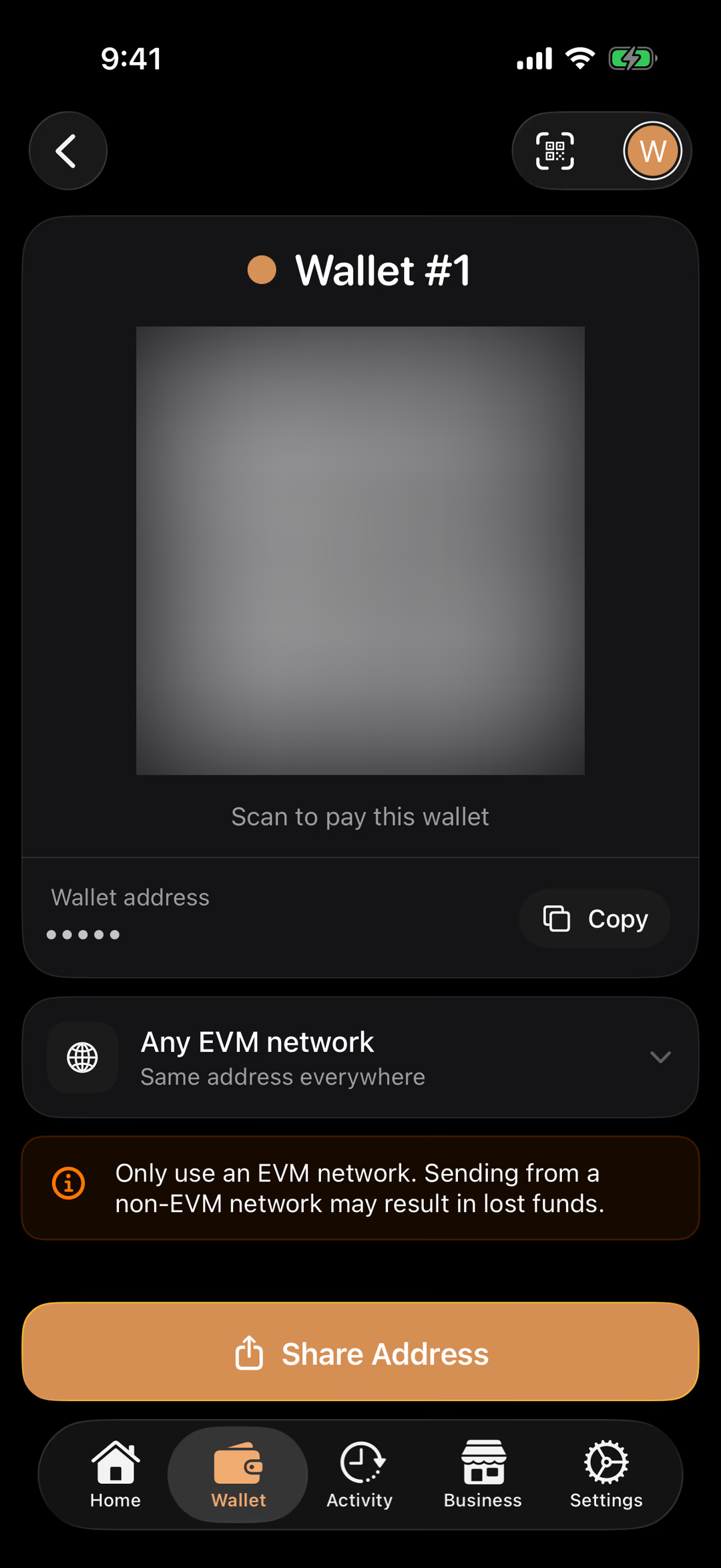
In the THAT app, tap Wallet, then Receive.
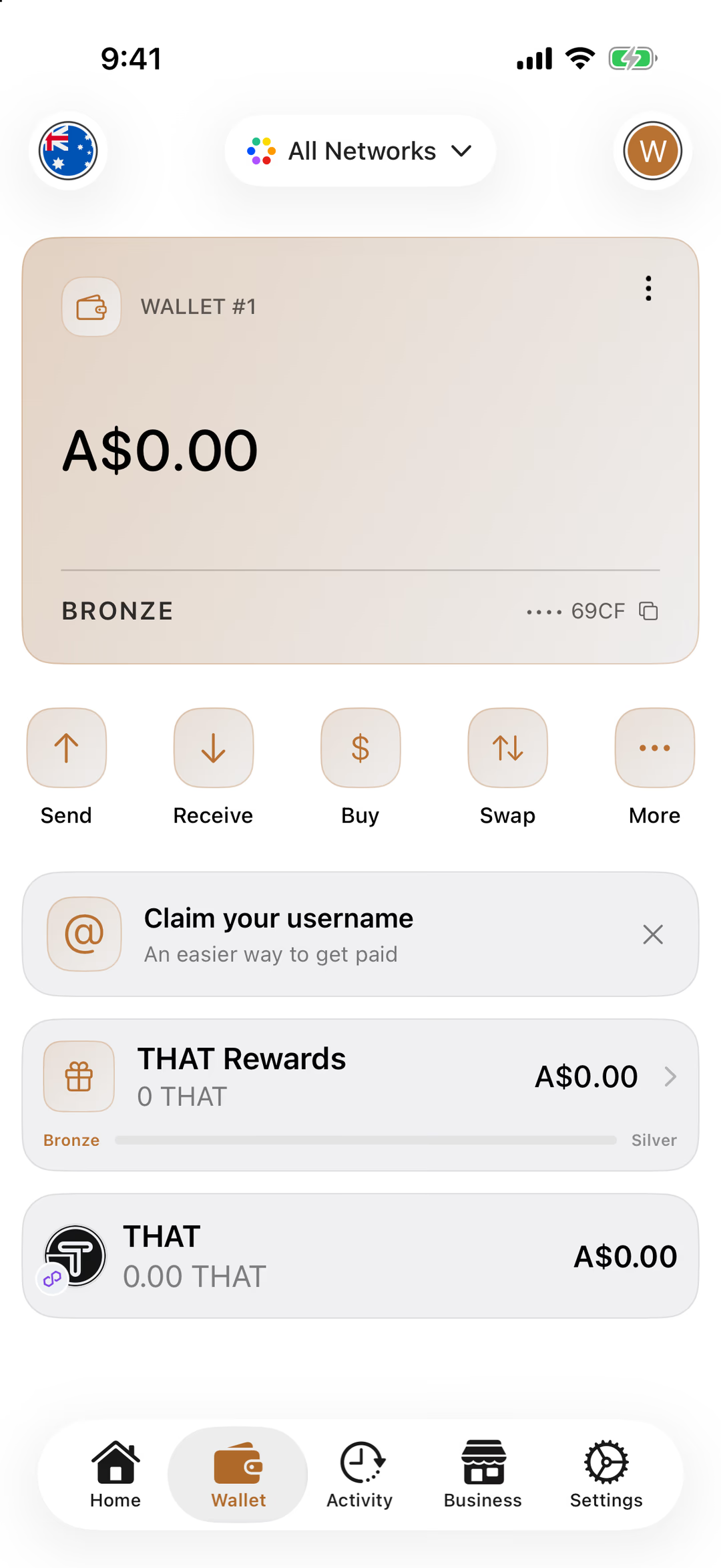
Tap Receive. Tap Copy next to Wallet address.
Your address starts with 0x and is 42 characters long. It's the same on every EVM network, which is why the screen says so.
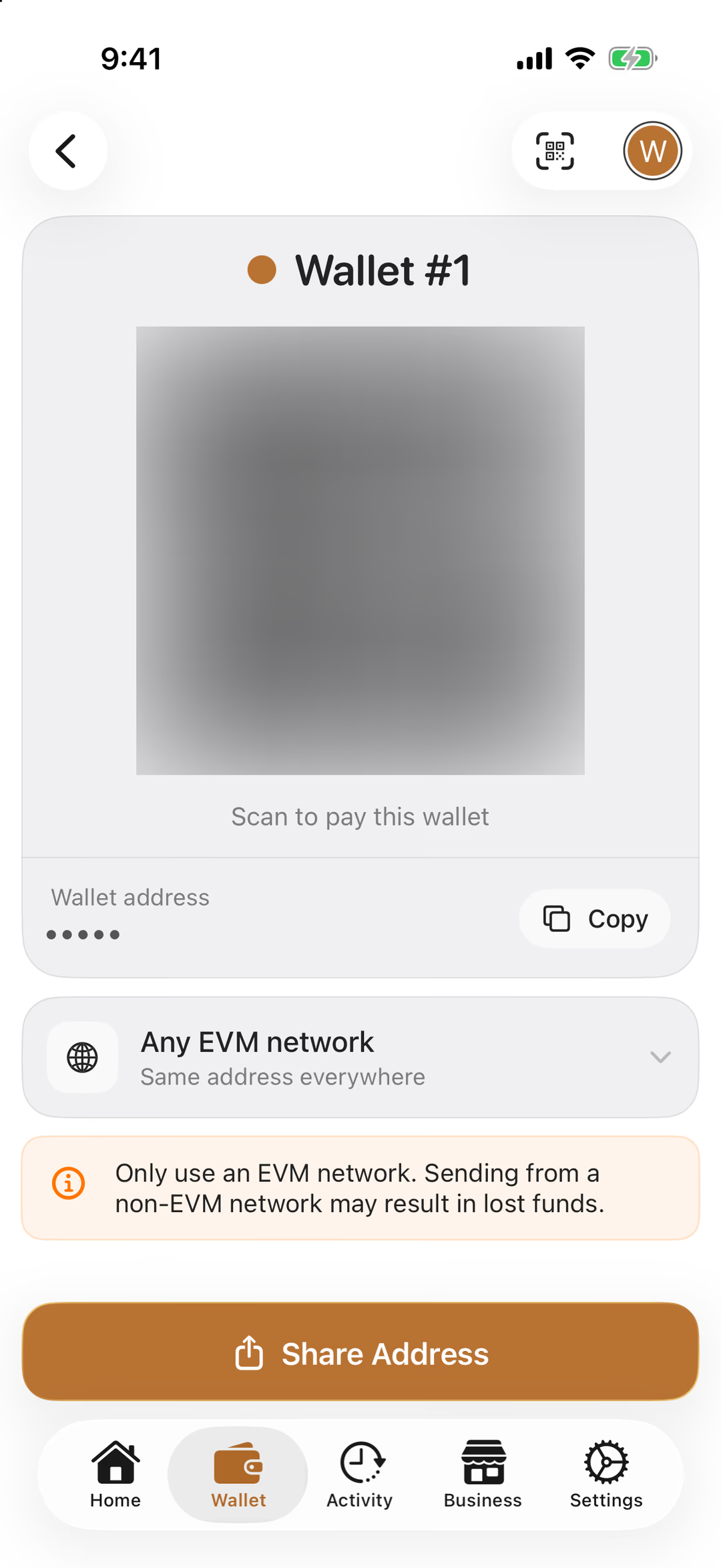
Copy puts your address on the clipboard.
Safe to share
Step 2 of 5 · CoinStash
Set Up CoinStash
An account, an ID check and some dollars.
Sign up at coinstash.com.au and verify your identity with a photo ID.
Every Australian exchange has to do this before you can buy. It takes a few minutes, and CoinStash emails you when it's done.
Deposit Australian dollars by PayID or bank transfer.
CoinStash shows you its PayID and a reference. Paying it from your banking app is free at most banks, and the dollars usually appear in your CoinStash account within minutes.
Already have an account?
Step 3 of 5 · Buy
Buy THAT
Dollars in, THAT out.
Open THAT on CoinStash: coinstash.com.au/that/buy.
Under Instant, enter the amount in dollars and tap Buy THAT.
CoinStash shows its fee and the amount of THAT before you confirm. The THAT now sits in your CoinStash account; the next step brings it home.
Step 4 of 5 · Withdraw
Withdraw to Your THAT Wallet
Paste your address and check it twice.
In CoinStash, choose to withdraw your THAT.
For the destination choose A personal wallet, and for the recipient Myself.
Australian exchanges must ask this for every withdrawal (the Travel Rule). A self-custody wallet you control is exactly what those two options describe. A short declaration follows: your name, suburb and the purpose of the transfer.
Paste the address you copied from the THAT app, and check the first and last few characters against your wallet card.
Check that the network CoinStash shows is Polygon or Ethereum. THAT has the same address on both, and your wallet shows both.
Review the amount and the network fee, then confirm.
The fee is the blockchain's, passed on by CoinStash, and comes out of the amount sent. A first withdrawal may sit as “pending verification” for a little while; that is CoinStash's own check, and it emails you if it needs anything.
Paste, don't type — and look
Step 5 of 5 · Arrives
Watch It Arrive
A few minutes, usually.
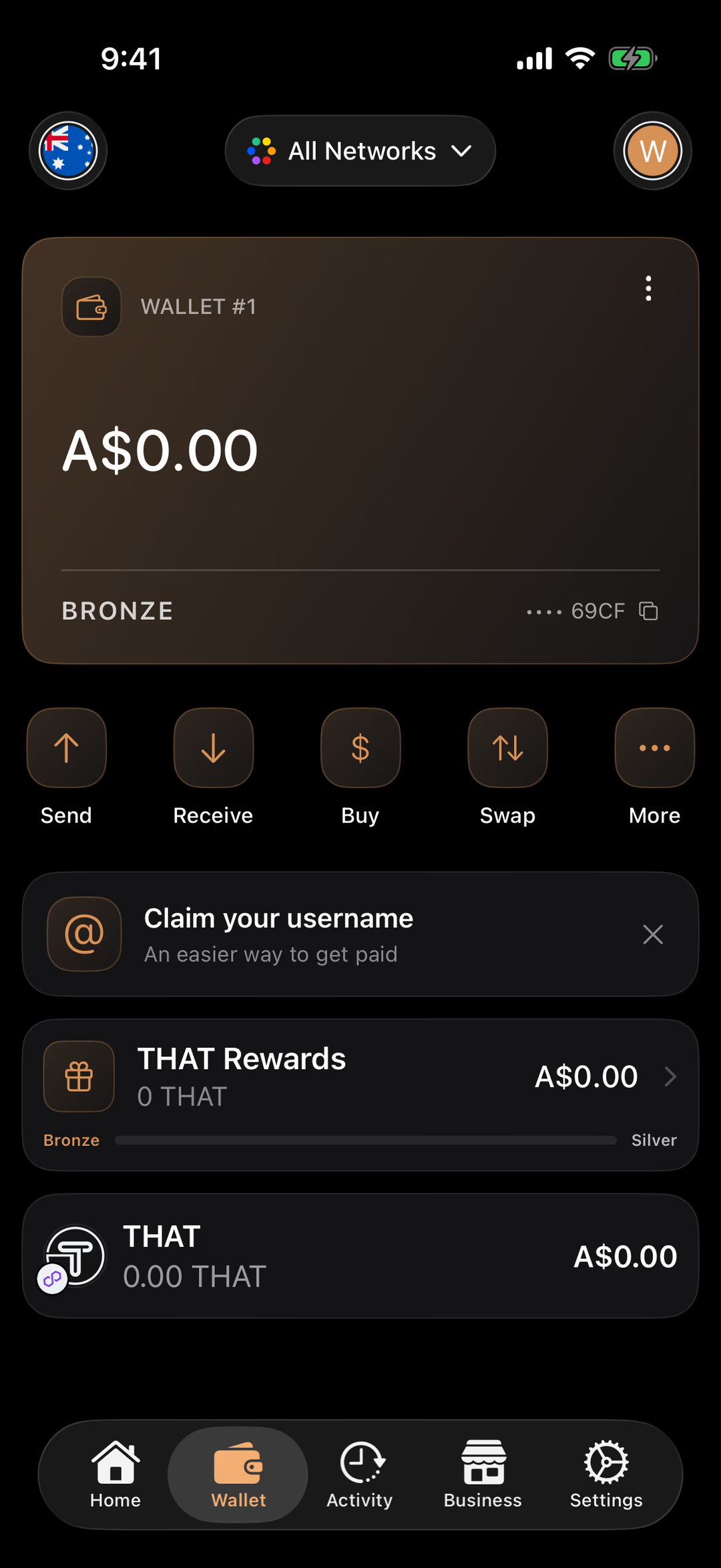
Open the Wallet tab in the THAT app. Your THAT appears in the list, and in Activity.
Usually within minutes of CoinStash sending it. Pull down to refresh if you're watching for it.
It shows here. (This picture is a new wallet, still at zero.)
Taking longer?
Transfer complete
It’s in Your Wallet
Bought on an exchange, held by you. From here it spends like cash at any business that takes THAT.
What's next
Find somewhere to spend it. Browse the businesses that accept THAT — cafés, restaurants, services and more.
Learn how to pay. How to pay with crypto using the THAT app — scan, confirm, done.
Know every button. Take the wallet tour — what each part of the app does, before you press it for real.
Keep it safe. Four rules cover almost everything. Learn them once.
Buying on CoinStash — Questions
Why move THAT off CoinStash at all?+
On an exchange, the exchange holds the keys: it can freeze withdrawals, and if it failed your balance would be a claim against it. In your THAT wallet the keys are yours, nobody can freeze it, and it's ready to spend at any business that takes THAT.
What does it cost?+
CoinStash's trading fee is shown when you buy, and a small network fee is deducted from a withdrawal; CoinStash shows it on the review screen before you confirm. Depositing dollars by PayID is free at most banks. THAT doesn't charge anything.
CoinStash asks who the recipient is. What do I choose?+
Choose A personal wallet, then Myself. Australian exchanges have to ask this (the Travel Rule) for every withdrawal, and a self-custody wallet you control is exactly what those options describe.
My withdrawal says it's pending verification.+
CoinStash sometimes holds a withdrawal, especially a first one or a large one, while it runs its own checks. It will email you if it needs anything. Nothing is wrong on the THAT side; the transfer hasn't left CoinStash yet.
Which network should the withdrawal use?+
Either Polygon or Ethereum works: THAT has the same address on both, and your THAT wallet shows both. CoinStash sends THAT on Polygon. Never send from a network that isn't EVM-compatible, and never send a different coin to this address.
Can I use a different exchange?+
Yes, any exchange that lists THAT. Withdraw THAT on Polygon or Ethereum to the address from your Receive screen, exactly as in this guide. If an exchange only offers one of those networks, that one is fine.