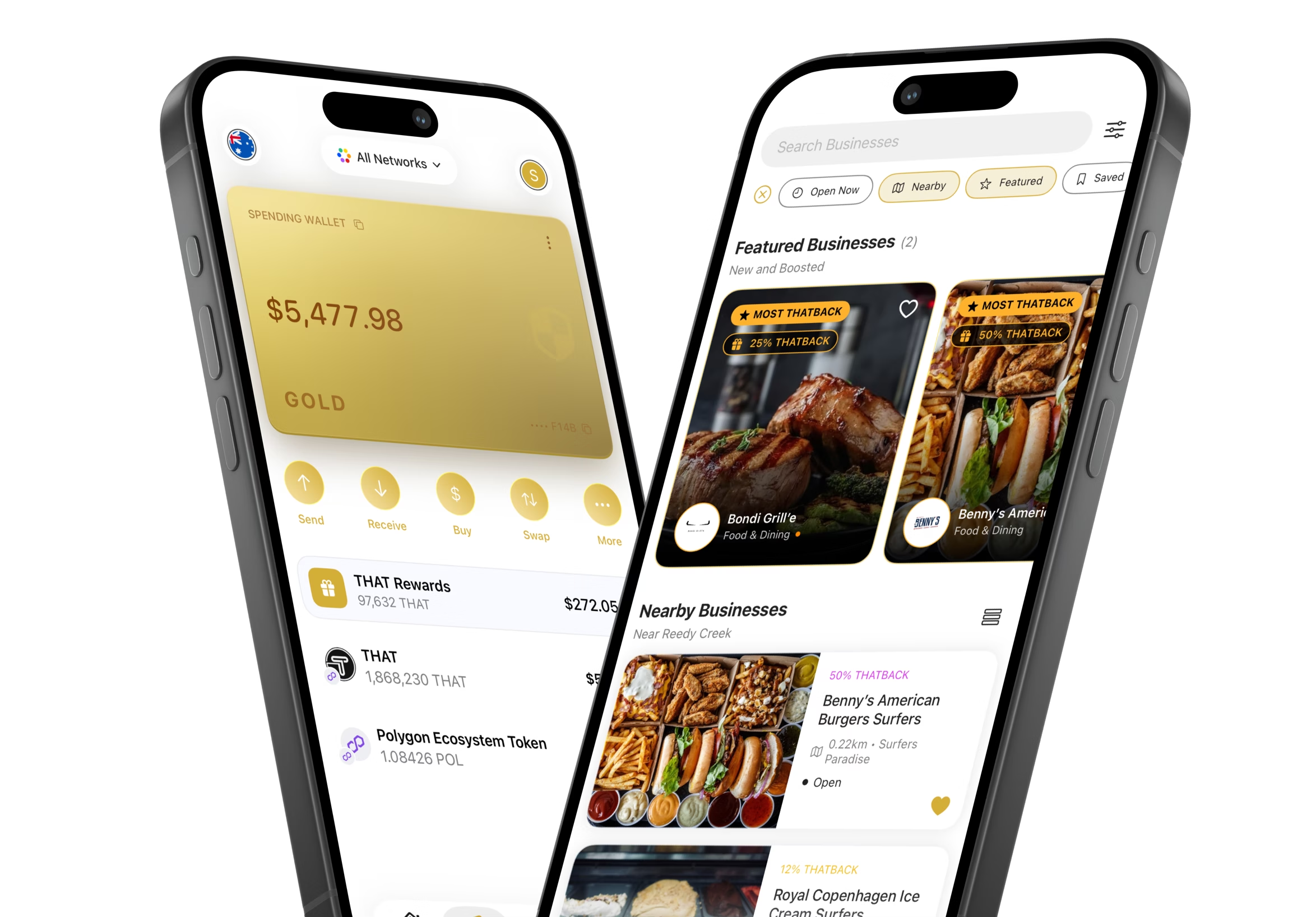
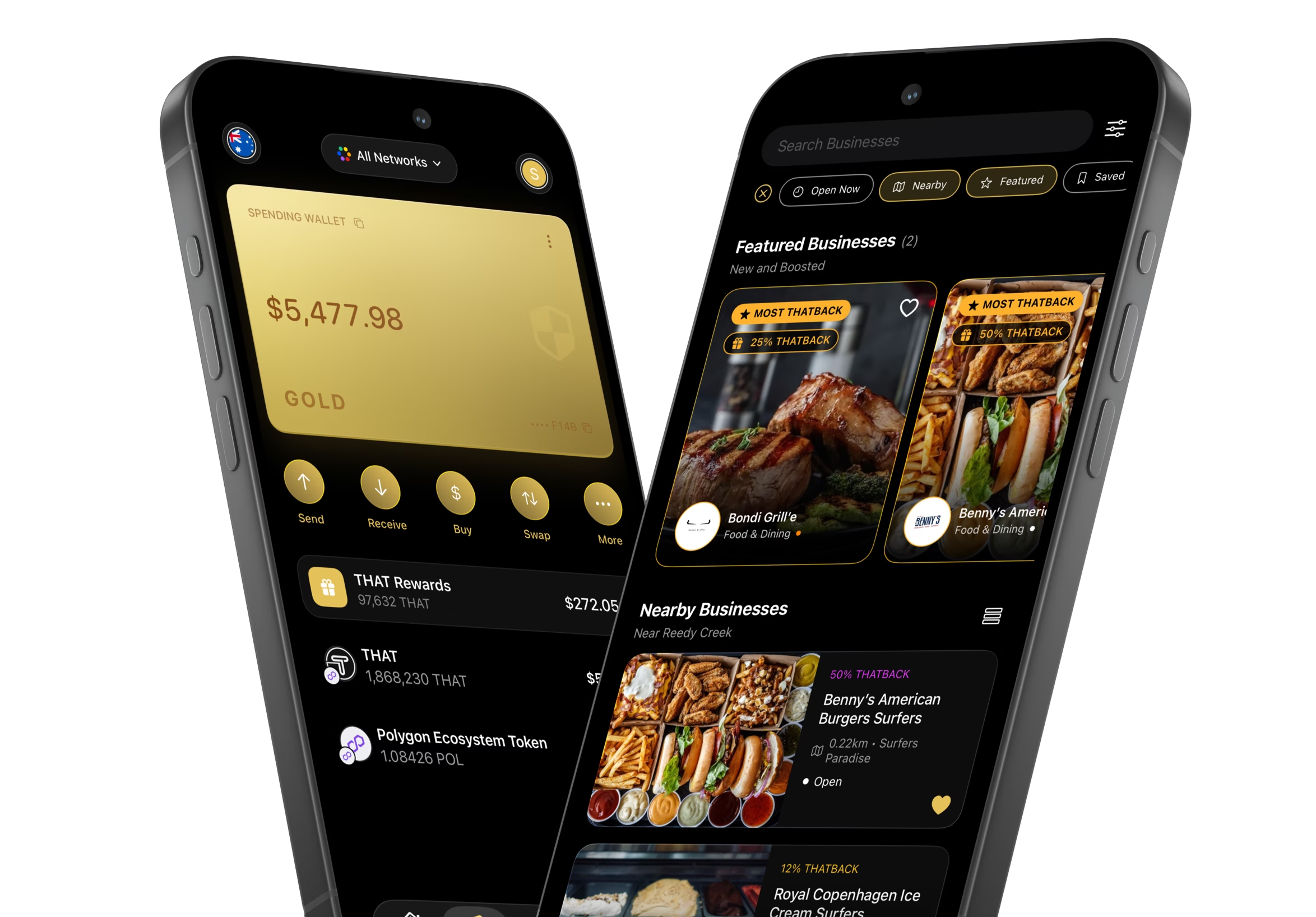
Download the THAT App
Pay with crypto, discover crypto-friendly businesses, and manage your assets — all in one non-custodial wallet.
New to self-custody? Set up your wallet step by step →


THAT Wallet
Everything You Need in One Wallet
Hold, send, spend, and manage crypto — built for the real world.


Always in Control
Spending, savings, investments — keep separate self-custody wallets, all in one app.


Quick Payments
Send and receive crypto in seconds — scan a QR code or paste an address.


Instant Settlement
Payments confirm on-chain in seconds, with a clear receipt every time.
Wallet tour
Know Every Button Before You Press It
This is the THAT app, screen by screen. Tap a numbered point to see what that part does.
Your Wallet
The Wallet tab: your balance, the five things you can do with it, and where everything else lives.
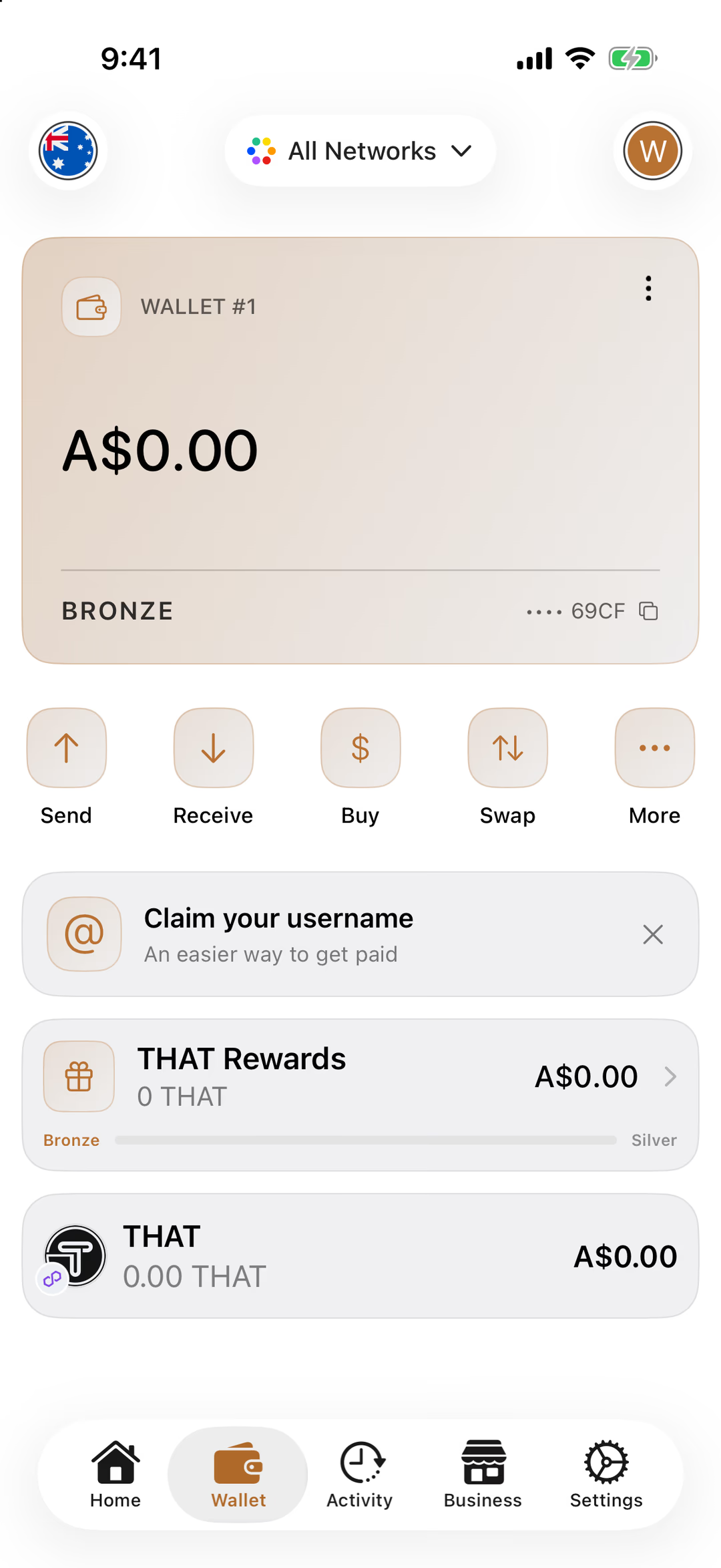
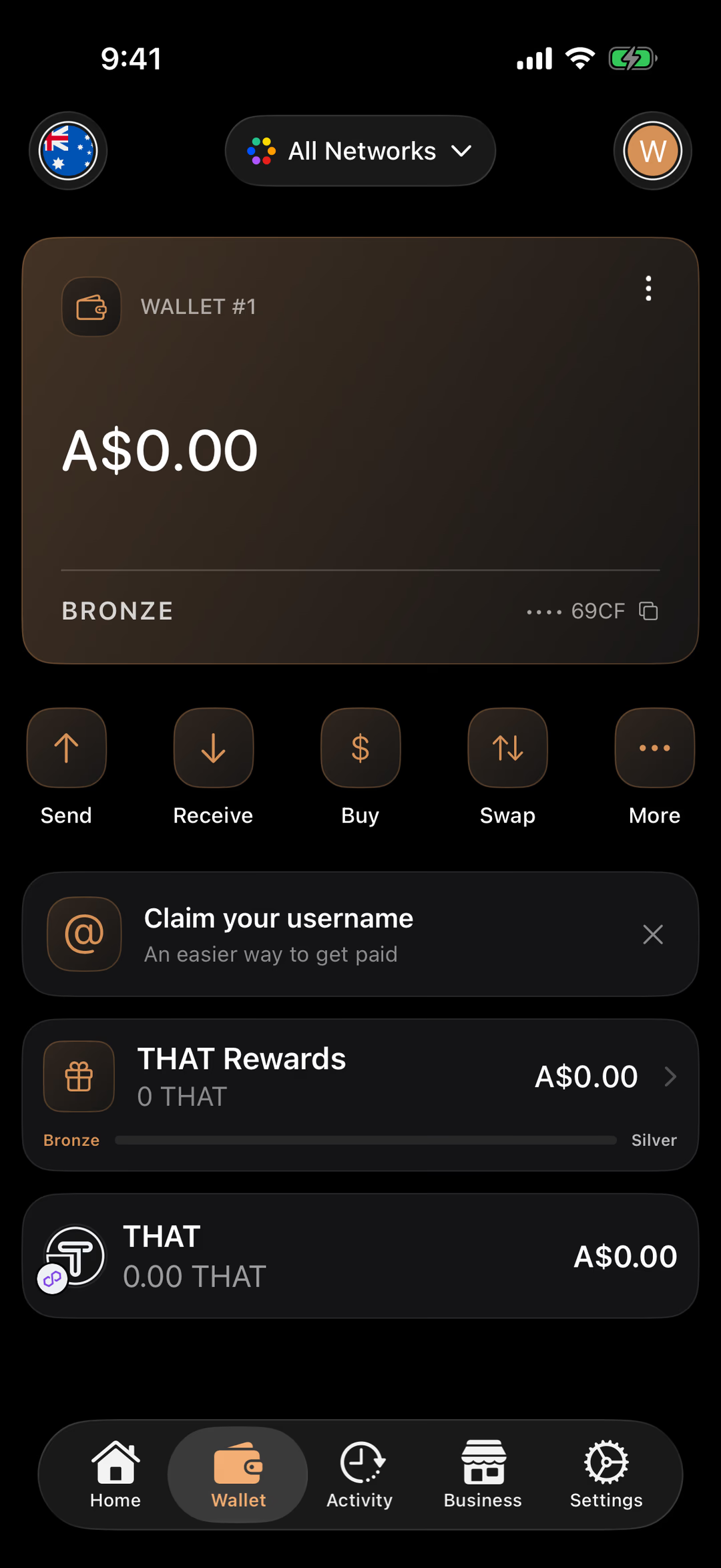
Tap a number to see what that part does. Screens are from the released app.
Your wallet, named Wallet #1 to start. Its colour is your THAT Rewards tier, so a new wallet is bronze. Tap the card for Wallet settings, which is where your recovery phrase lives.
Everything in this wallet, added up in your currency. A new wallet starts at zero, which is normal. The flag at the top left changes the currency.
The last four characters of your wallet address, with a copy button. Your address is safe to share. It’s how people send you crypto, and it can’t be used to take anything.
Moves crypto out of your wallet, to an address, a username or someone in your address book. Check the first and last few characters of the address and the network before you confirm, and send a small amount first to anywhere new.
Shows your address and its QR code so someone can pay you. One address works on every EVM network.
Top up through Banxa, our buying partner, by Apple Pay or Google Pay, card, or PayID. Banxa verifies your identity the first time, and the THAT lands in this wallet on Polygon once the order completes.
Swap one token for another without leaving the app. THAT covers the network fee. With an empty wallet it offers to receive or buy first, like Send does.
The less frequent actions: Gift (send THAT that arrives as someone’s THAT Rewards), Bridge (move THAT between Ethereum and Polygon), Scan, and a shortcut to your exchange wallet.
Pick a name like alice.that, and anyone with THAT can pay you by typing it instead of your address. It lives on Polygon, is yours to keep, and can be sent on like any collectible. The × hides the prompt.
Your THATBACK balance and your tier. Pay a listed business with THAT and a share of it comes back here; spend more and you climb from Bronze towards Silver and beyond.
Every token in this wallet, each with a small badge for its network. New wallets show just THAT at zero; anything sent to your address appears here on its own.
Filter the wallet to one network, add a network, or group your tokens by network. Leave it on All Networks and you see everything.
The currency your balances are shown in. Australian dollars to start with.
Switch between your wallets, or add another. Many people keep one for spending and one for savings, all in the same app.
Home is the directory of places that accept THAT. Activity is your history. Business is where a business owner lists and manages their own listing. Settings holds Security, networks and everything else.
The Wallet Menu
What’s behind the ⋮ on your wallet card.
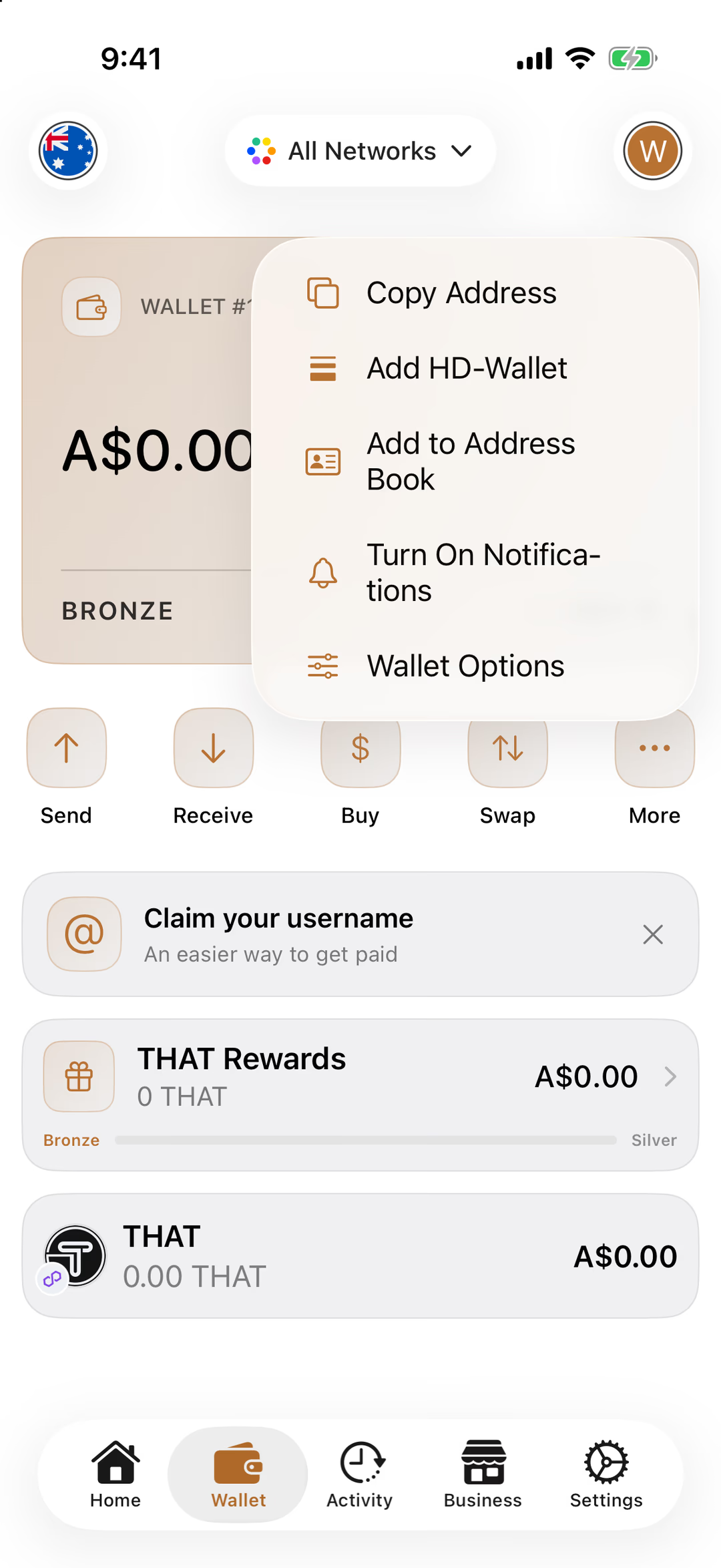
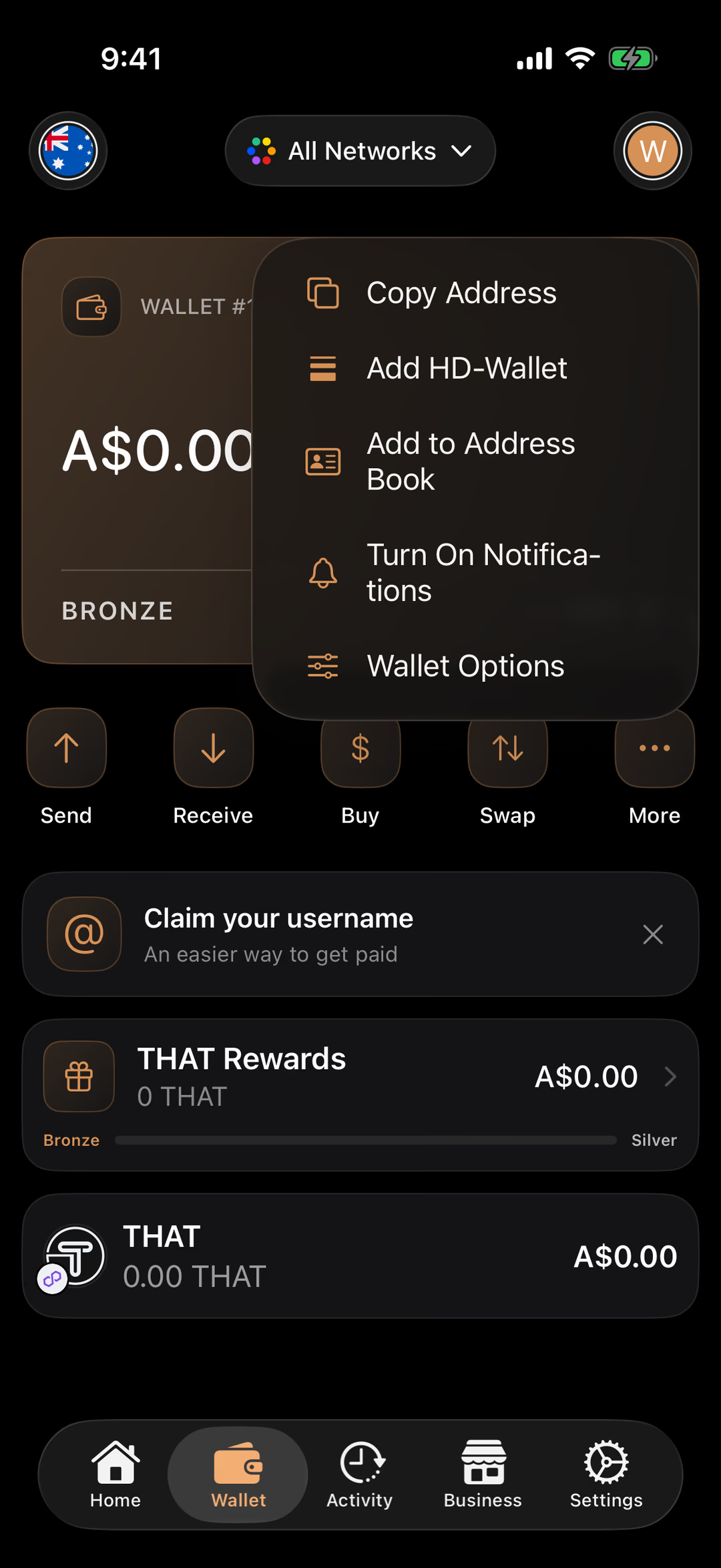
Tap a number to see what that part does. Screens are from the released app.
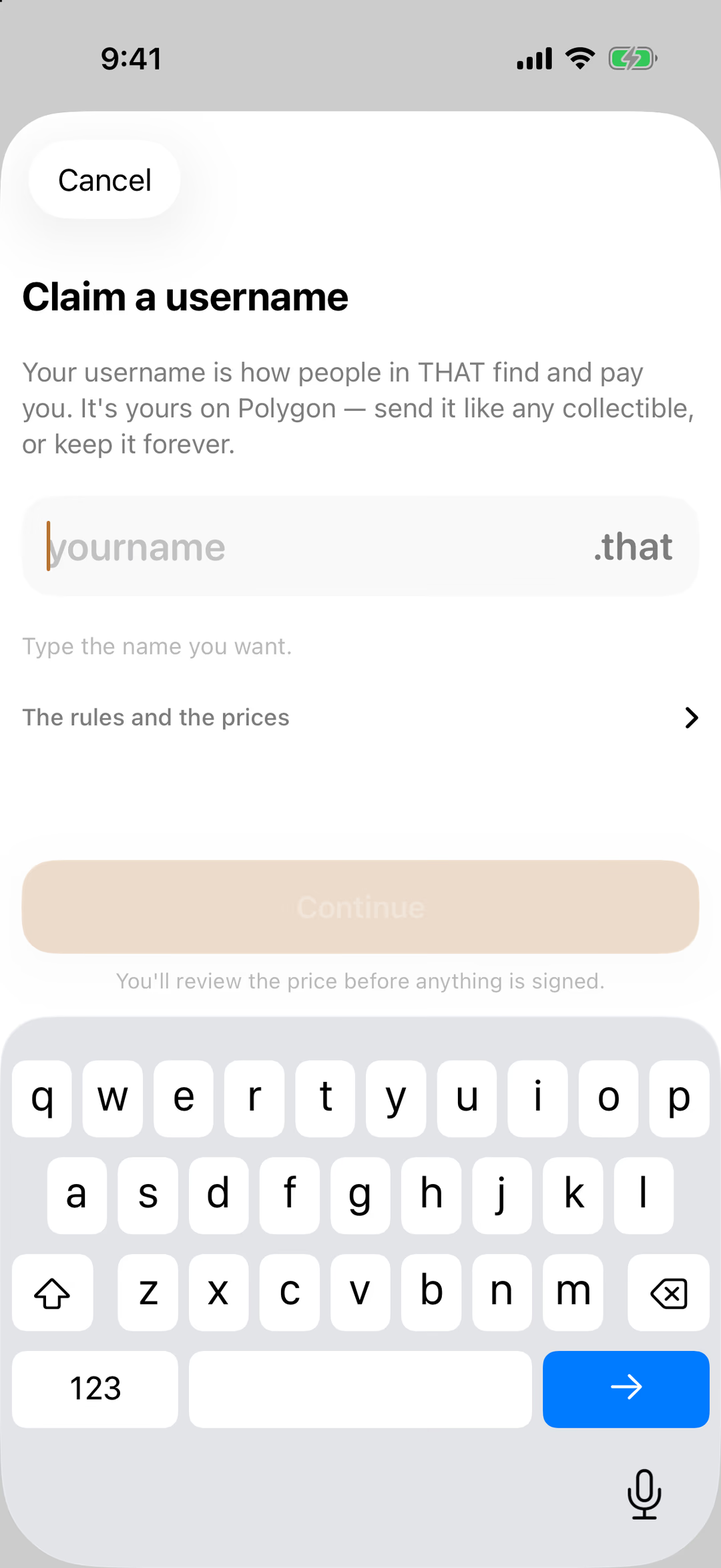
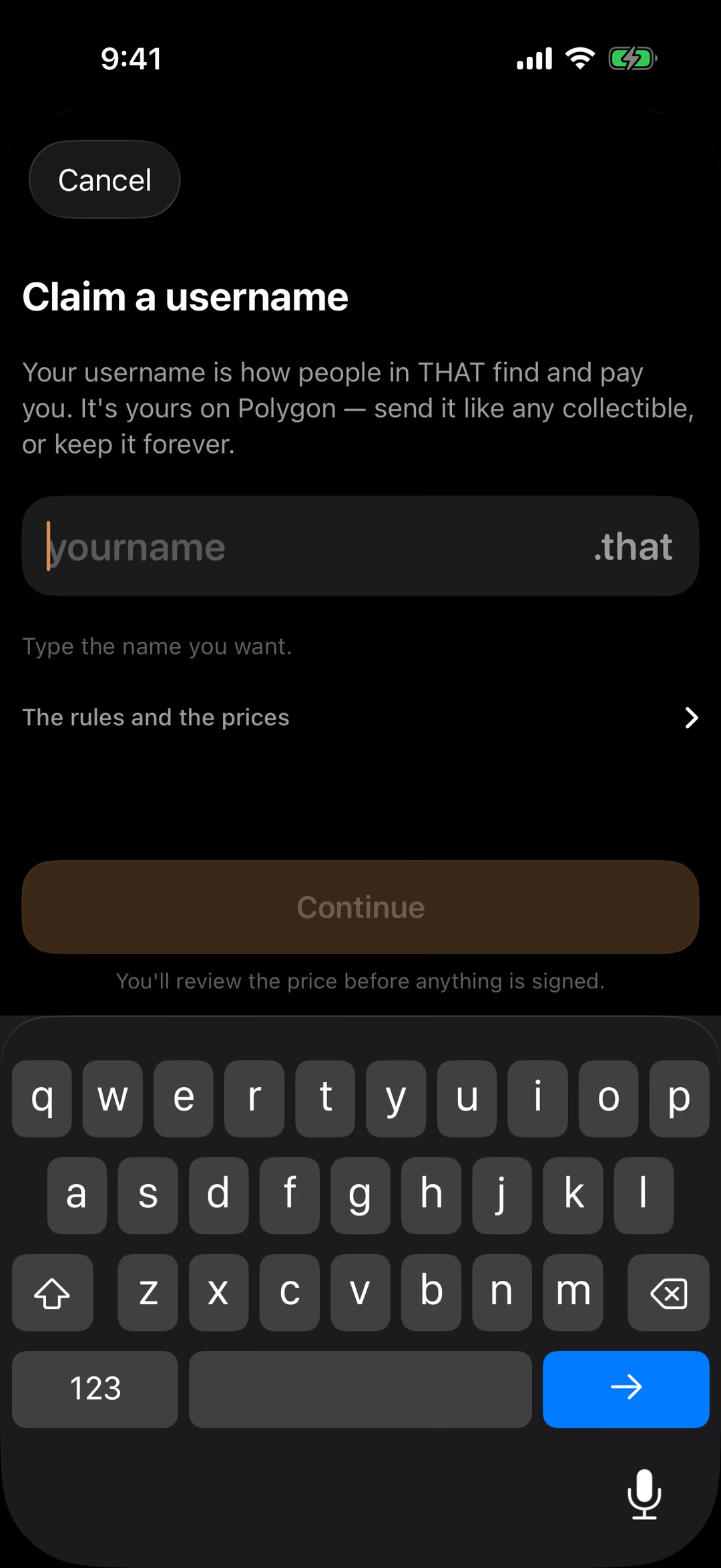
Claim a Username
A name people can pay, instead of an address.
Tap a number to see what that part does. Screens are from the released app.
Your username is how people in THAT find and pay you. It’s yours on Polygon: send it on like any collectible, or keep it forever.
Type the name you want; .that is added for you. If it’s free, Continue lights up.
What a name may contain, and what each length costs. Shorter names cost more.
Shows the price and asks you to confirm before anything is signed. Paid in THAT from this wallet.
Closes the sheet. You can claim a name any time from the prompt on the Wallet tab.
Send, on an Empty Wallet
What Send does before there’s anything to send.
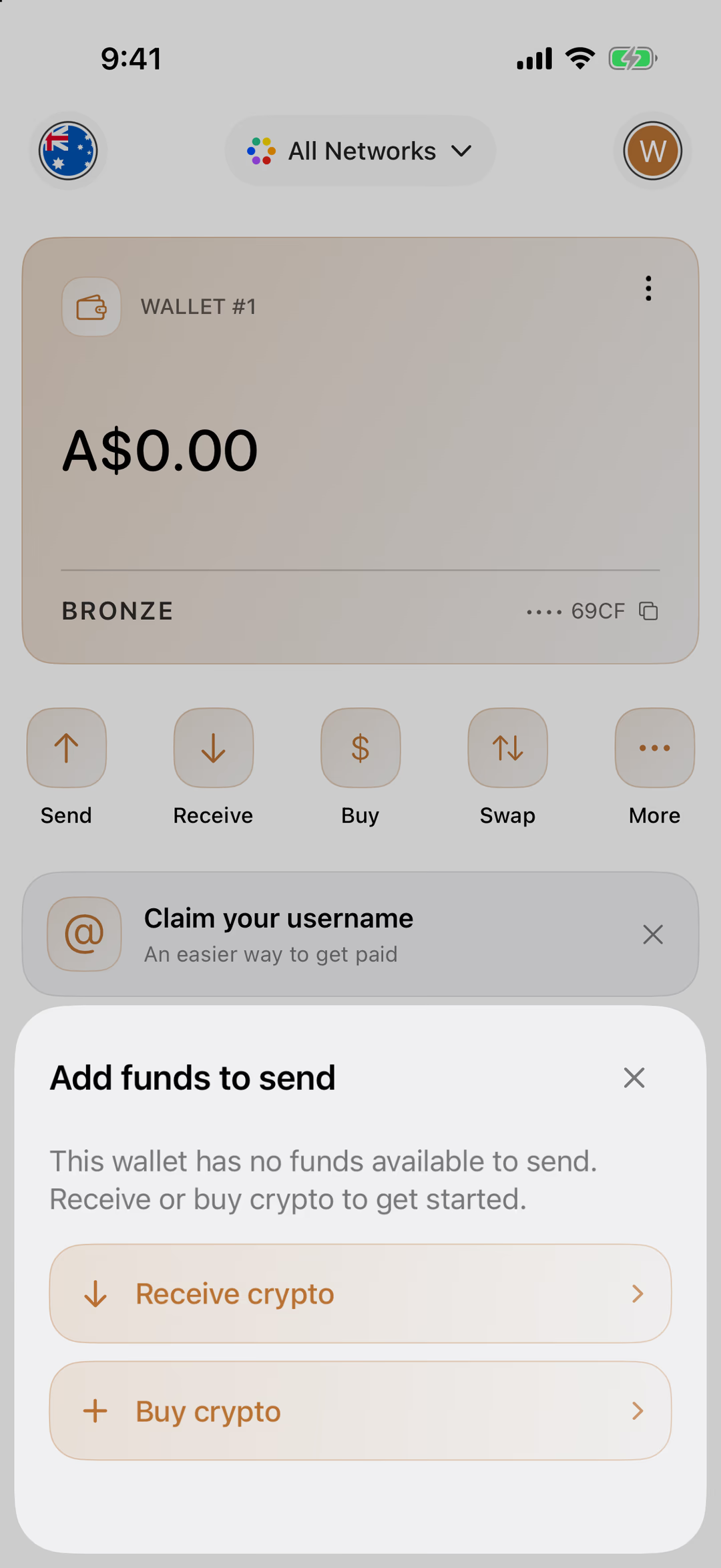
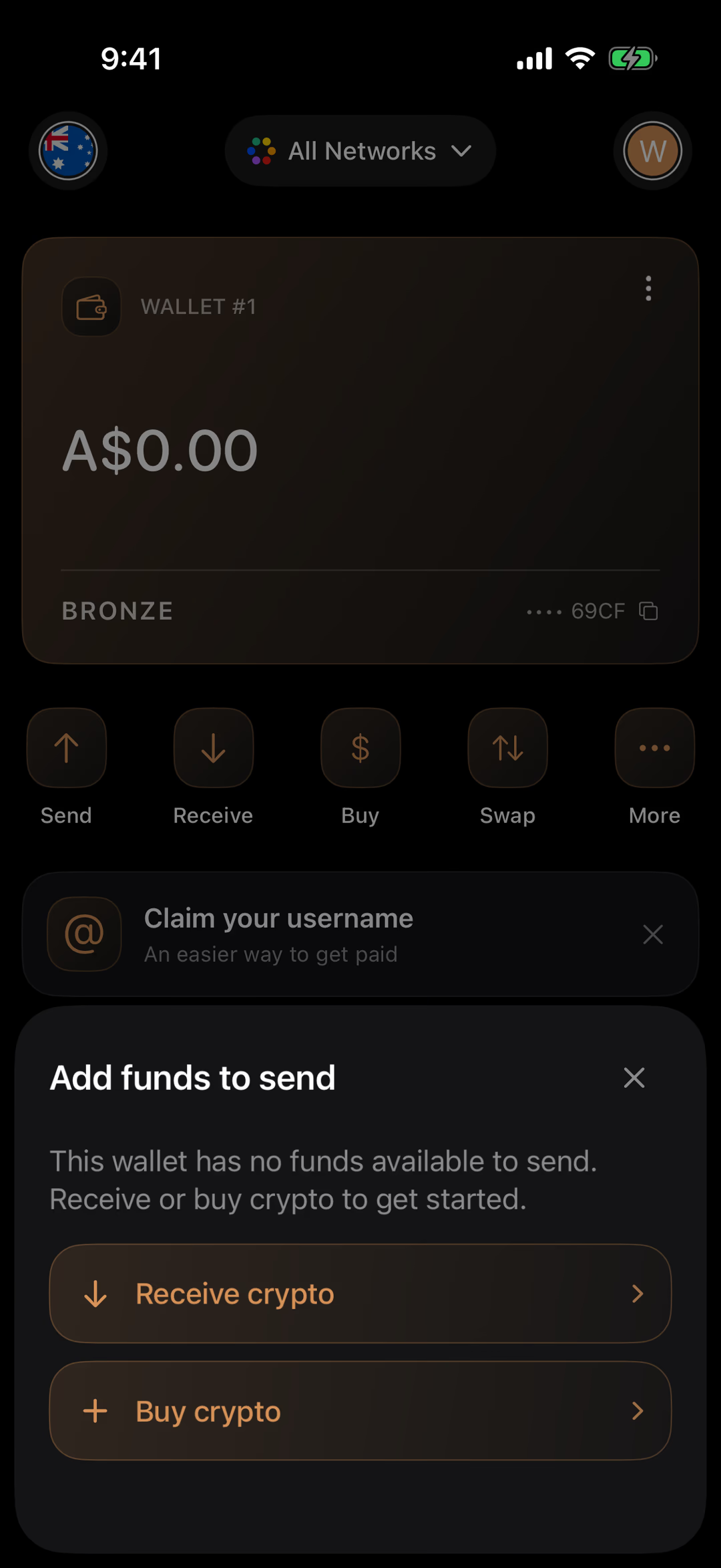
Tap a number to see what that part does. Screens are from the released app.
A new wallet has nothing to send yet, so Send offers the two ways to change that instead of an empty form. Once there’s a balance, Send asks who to pay and how much, then has you slide to confirm.
Opens Receive: your address and QR code, for someone to send to you.
Opens Buy: Banxa’s checkout, by Apple Pay or Google Pay, card, or PayID.
More Actions
The four things that didn’t need a button of their own.
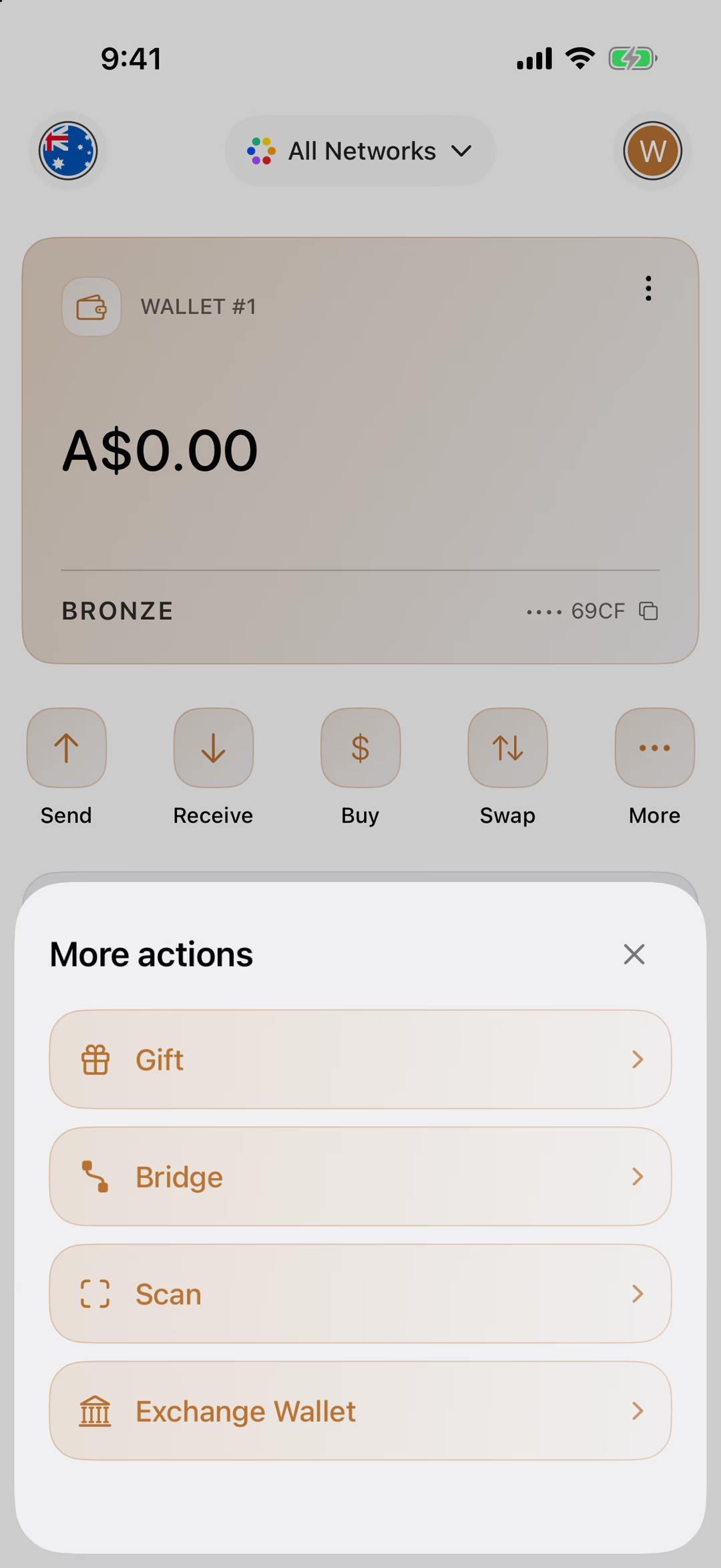
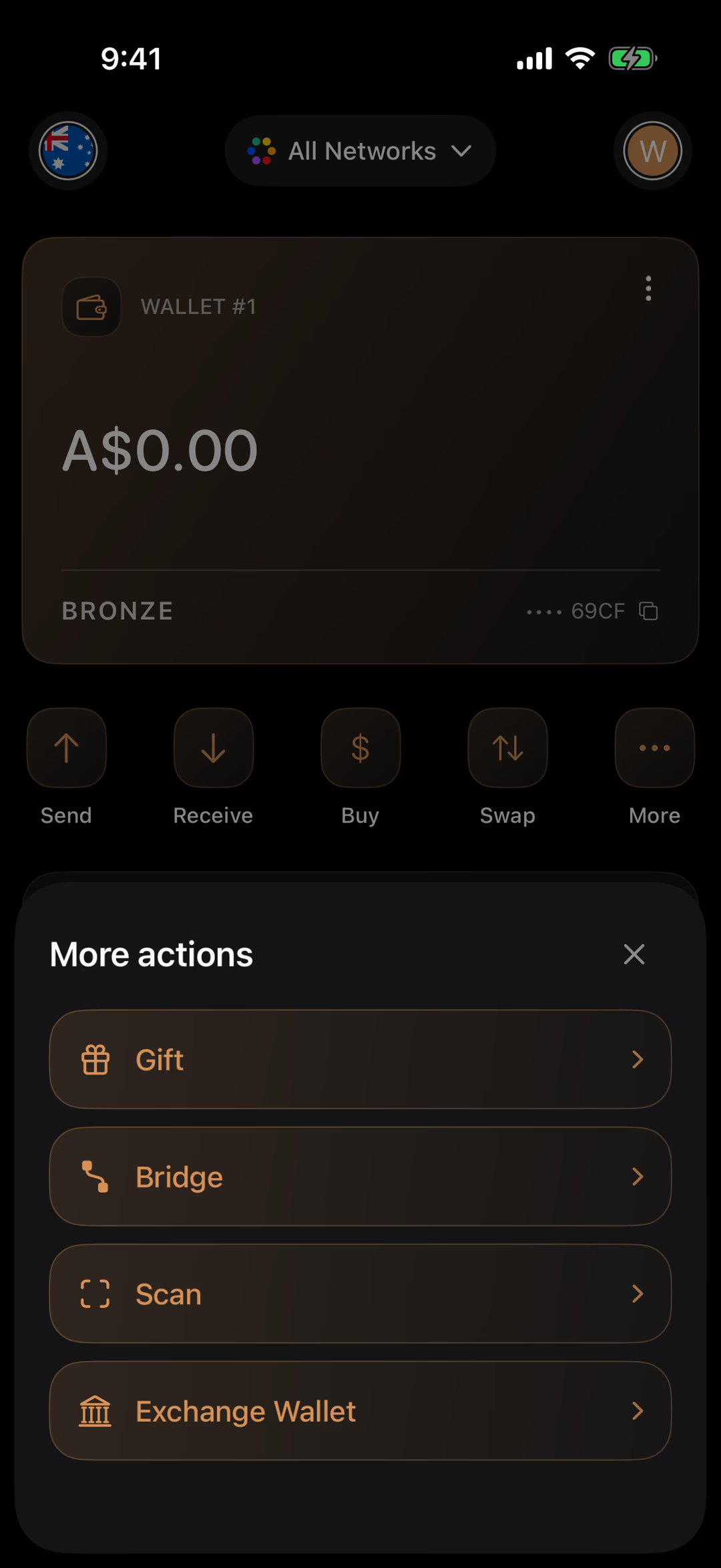
Tap a number to see what that part does. Screens are from the released app.
Sends THAT that arrives as the other person’s THAT Rewards balance, spendable at any business that takes THAT, like a gift card.
Moves THAT between Ethereum and Polygon. It takes a few minutes and has a fee, so it’s for moving holdings, not paying for coffee.
Opens the camera to scan a business’s or a friend’s QR code and pay them.
A one-tap way to send THAT to your account on an exchange, once you’ve linked its deposit address here.
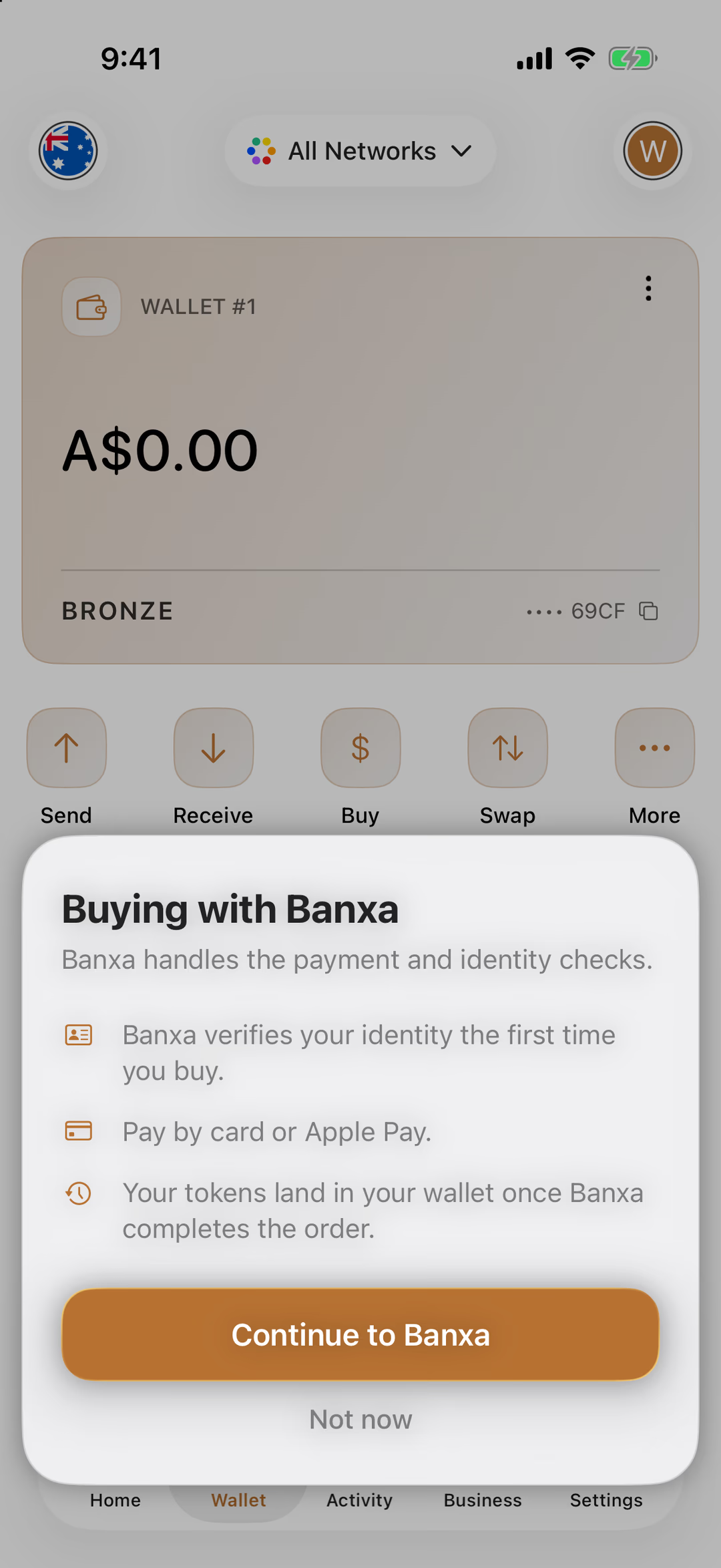
Buying with Banxa
The one-time notice before Banxa’s checkout opens.
Tap a number to see what that part does. Screens are from the released app.
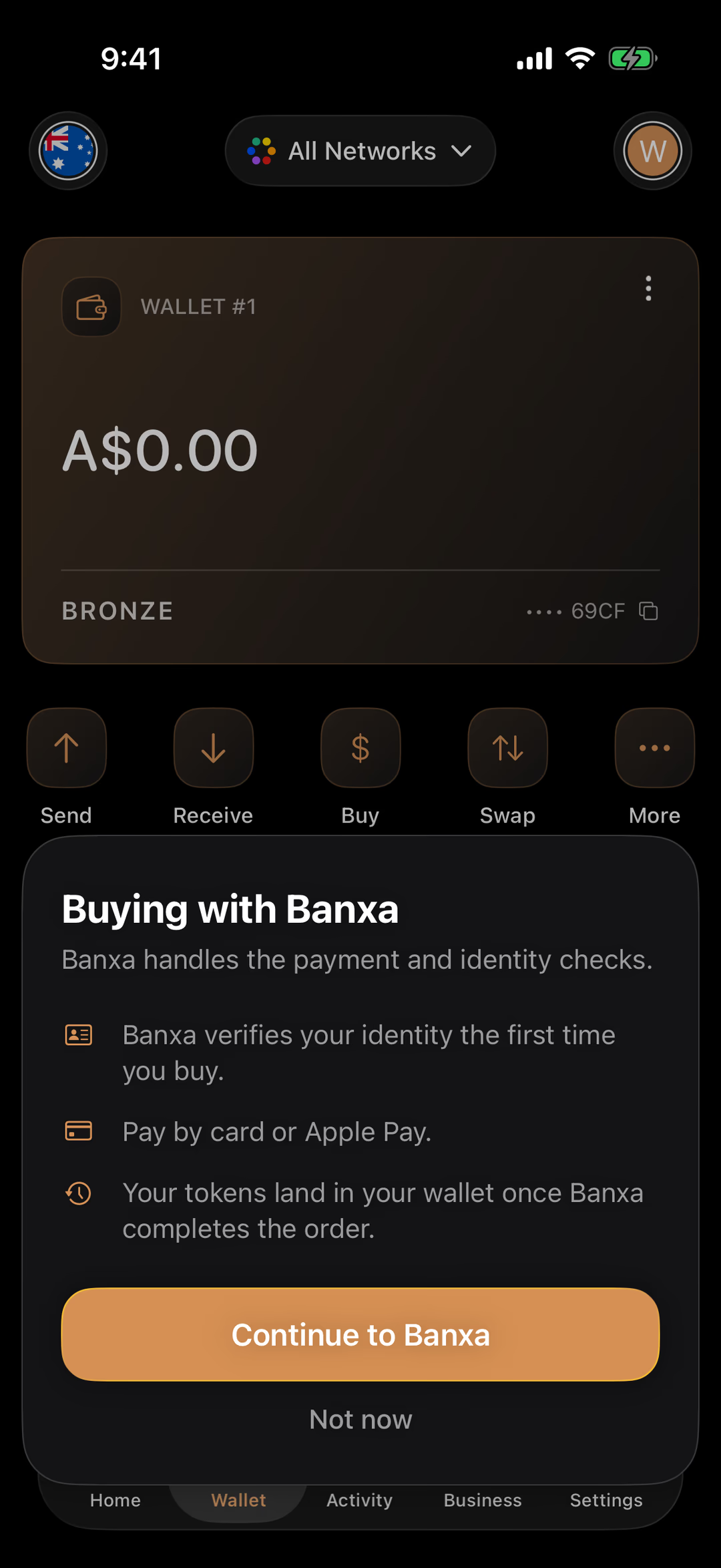
Banxa is a licensed crypto on-ramp; it handles the payment and the identity check, and THAT never sees your card or your ID.
Banxa verifies your identity the first time you buy. You pay by card or Apple Pay (the checkout also offers Google Pay and PayID). Your tokens land in your wallet once Banxa completes the order.
Opens Banxa’s checkout inside the app. You see this notice once; the next Buy goes straight there.
Closes it without buying. Nothing has been charged or shared.
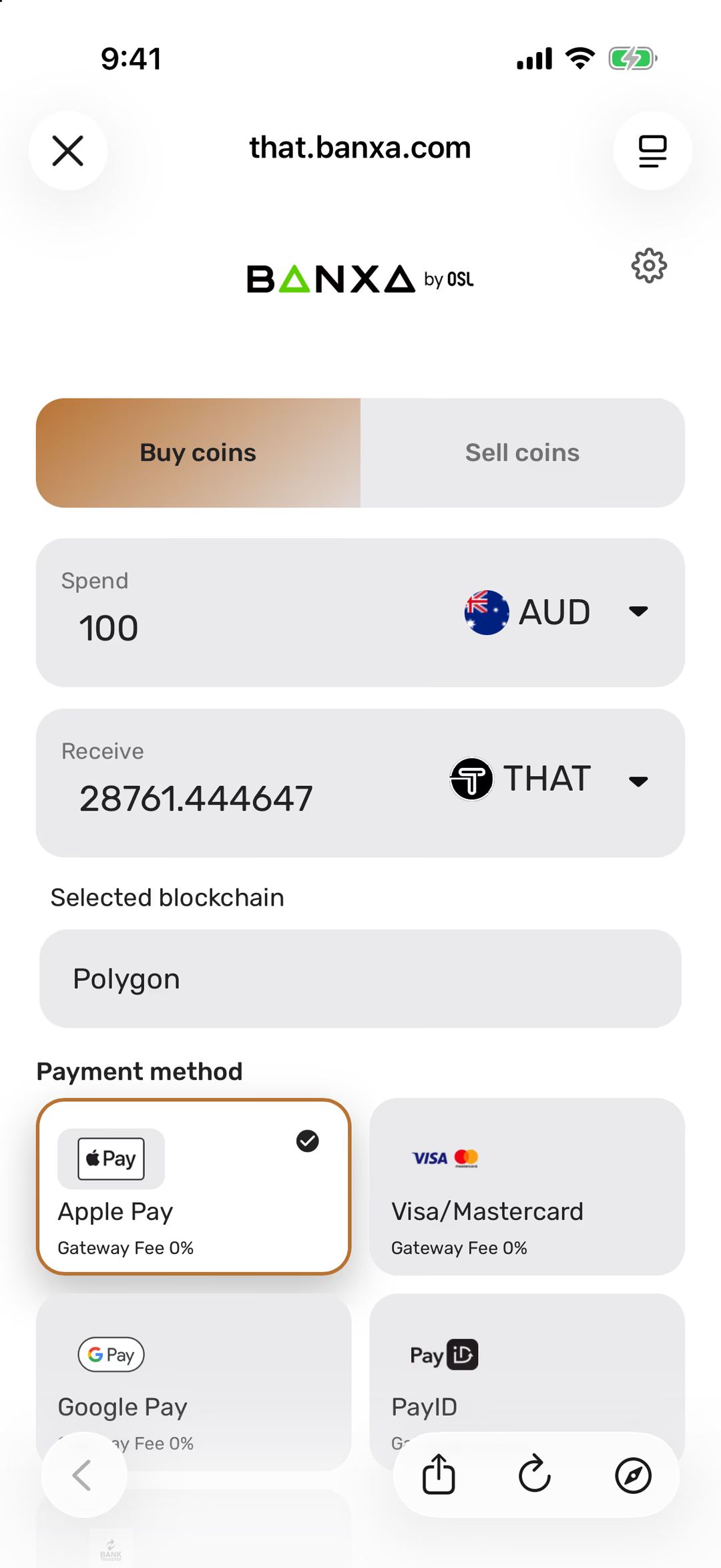
Banxa’s Checkout
Where you choose an amount and how to pay.
Tap a number to see what that part does. Screens are from the released app.
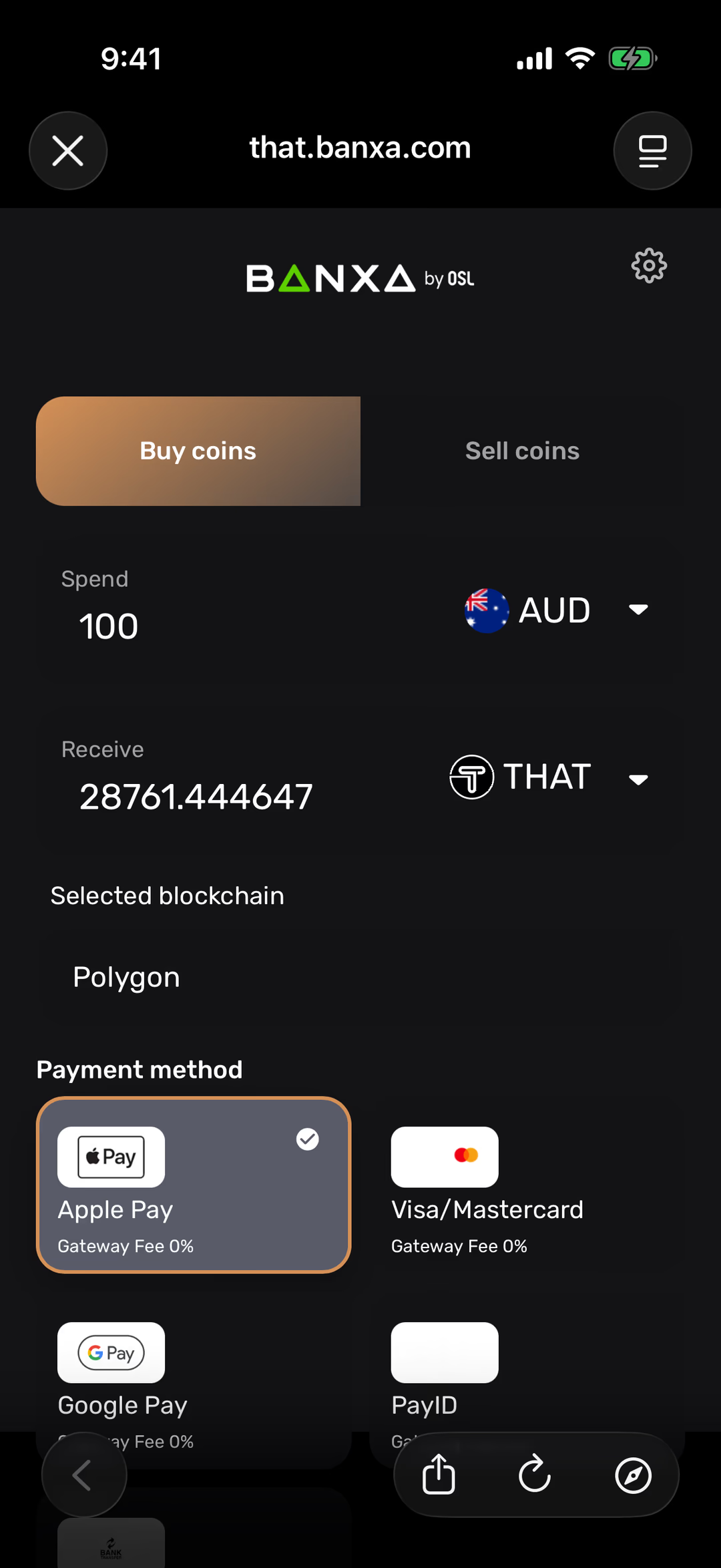
Banxa’s own page, shown inside THAT. The × closes it and brings you back to your wallet.
Buying dollars into THAT. Sell coins is the reverse, for when you want dollars back out.
How much to spend, in Australian dollars. Change the amount and the THAT you’ll receive updates below it.
How much THAT that buys at the current price, after Banxa’s fee.
Polygon, set for you. That’s the network your THAT arrives on, and your wallet shows it without you switching anything.
Apple Pay, Visa or Mastercard, Google Pay, or PayID from your banking app. Each shows its fee before you commit.
Receive
What someone needs to pay you, and nothing they shouldn’t have.
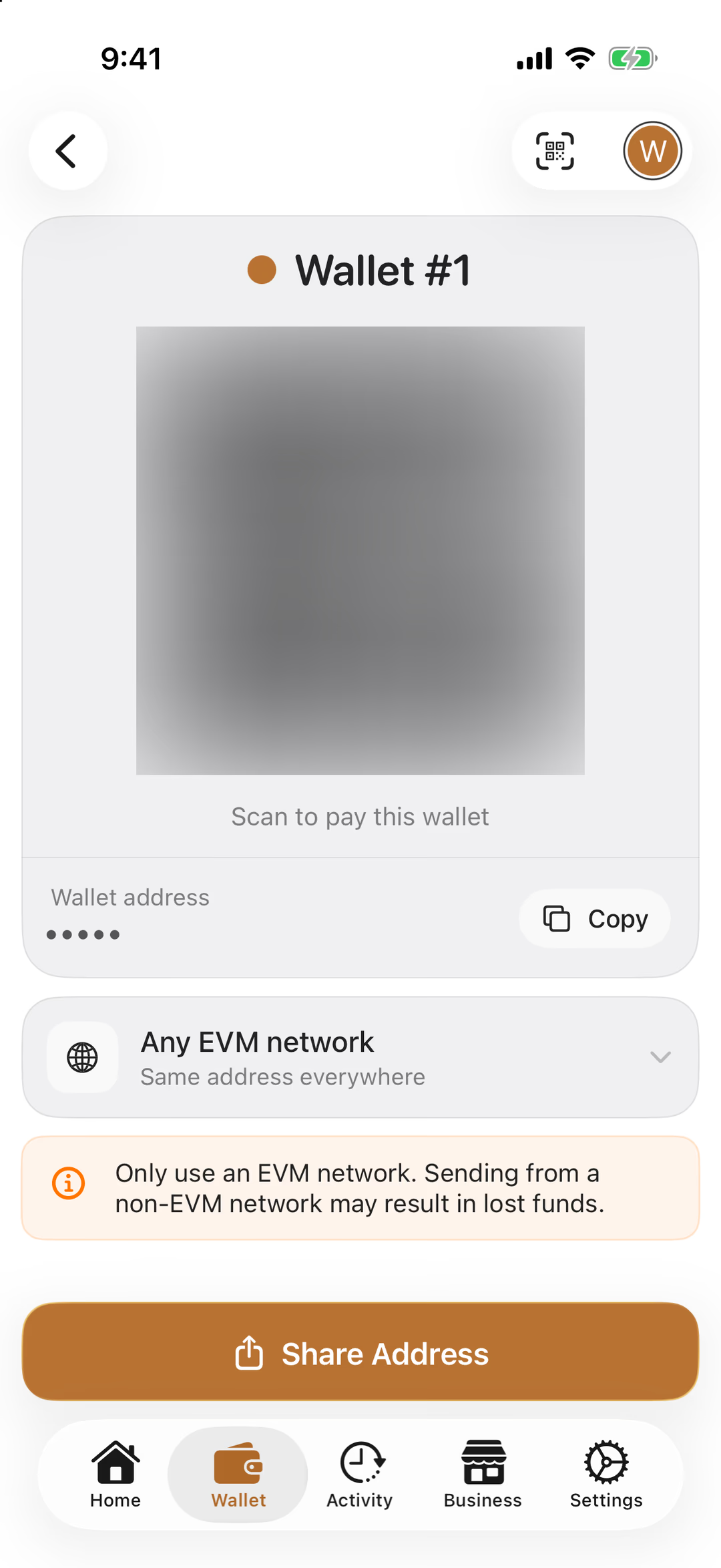
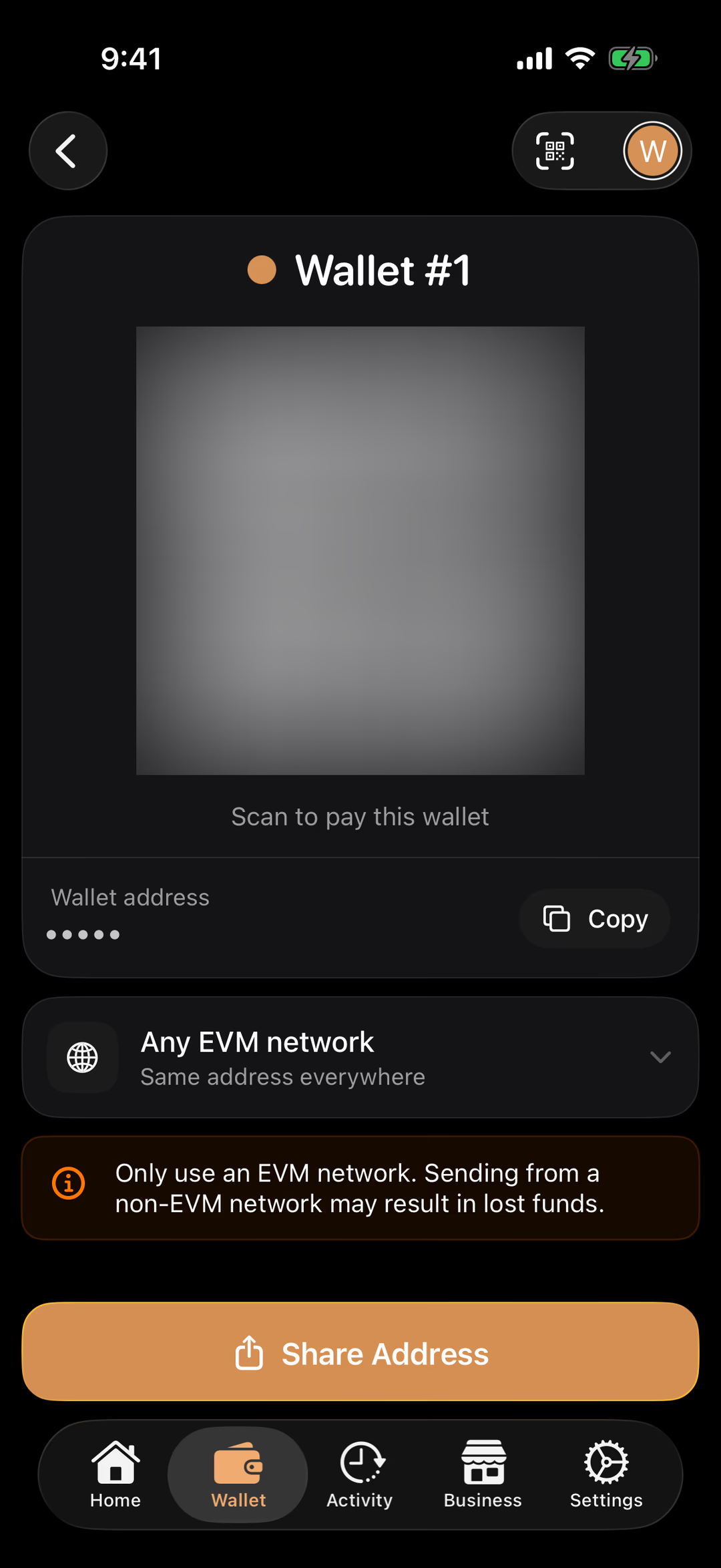
Tap a number to see what that part does. Screens are from the released app.
Your wallet address as a QR code. Someone with THAT, or any other wallet, scans it to pay you. The real one is hidden in this picture; yours is unique to your wallet.
The same address as text, with a copy button for pasting into another app or an exchange’s withdrawal form.
Your address is the same on Ethereum, Polygon and every other EVM network, so there’s no network to pick here. The note is the one rule: only send to it from an EVM network.
Flips to the scanner, to pay a business or a friend by scanning their QR code instead.
Activity
Your history, and a statement for your accountant.
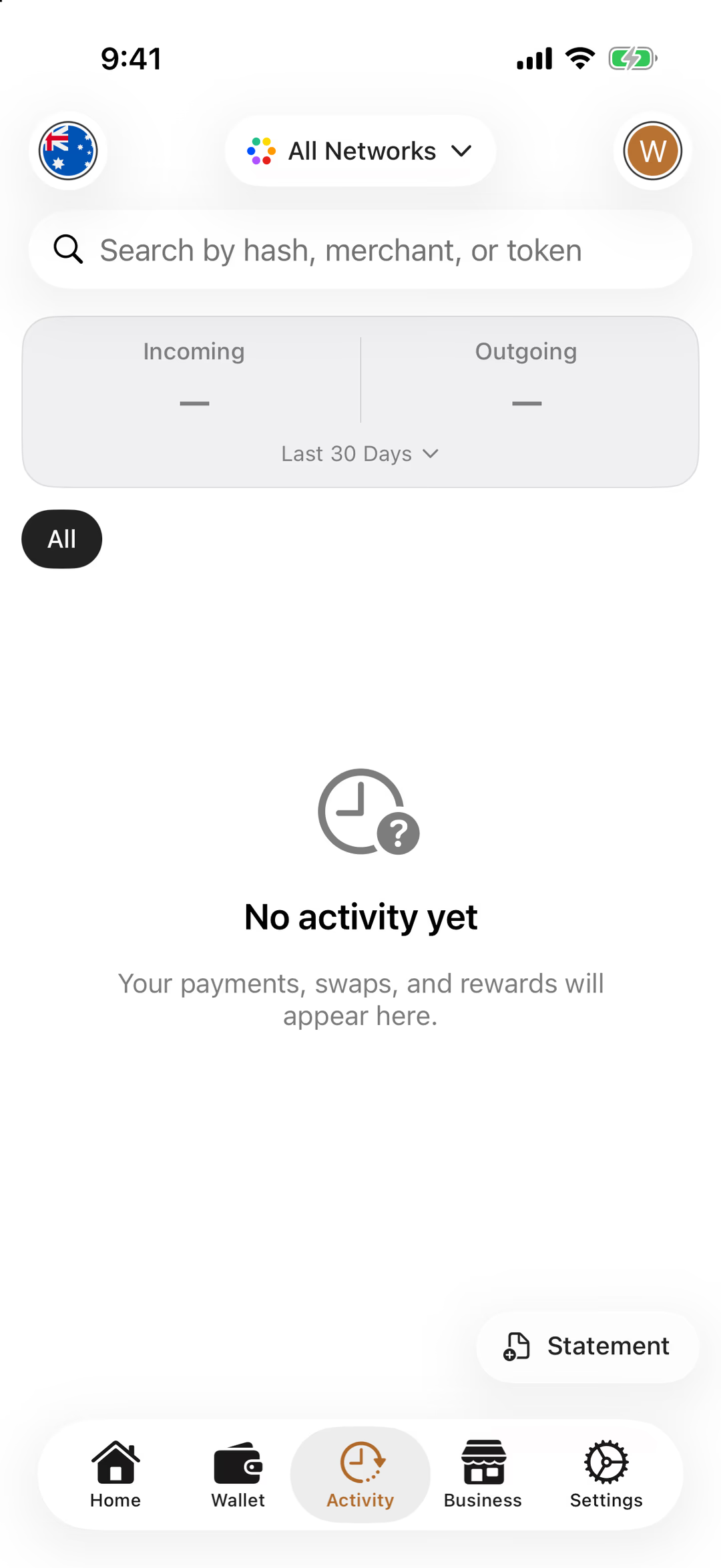
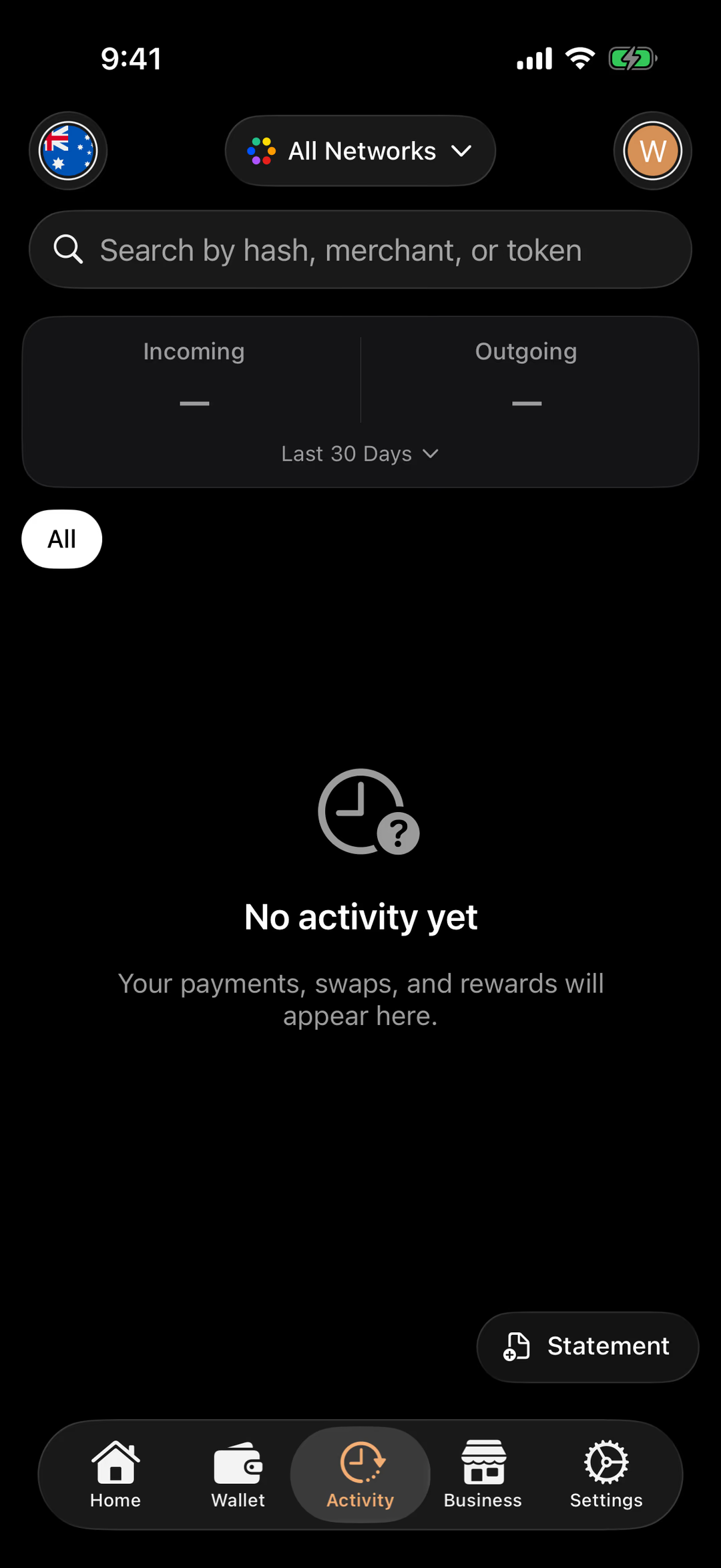
Tap a number to see what that part does. Screens are from the released app.
Find a transaction by its hash, by the business you paid, or by token.
What came in and what went out over one timeframe: the last 30 days to start, or 7 or 90 days, or the year to date, from the menu underneath. THAT Rewards count both ways unless you switch that off.
All to start with. Once you have activity, filter it by kind: payments, swaps, rewards.
Every payment, swap and reward, newest first. Tap one for the detail and its link on a block explorer.
Exports a statement of this wallet’s activity, for your records or your accountant at tax time.
Home
The app opens here: the directory of places that take THAT.
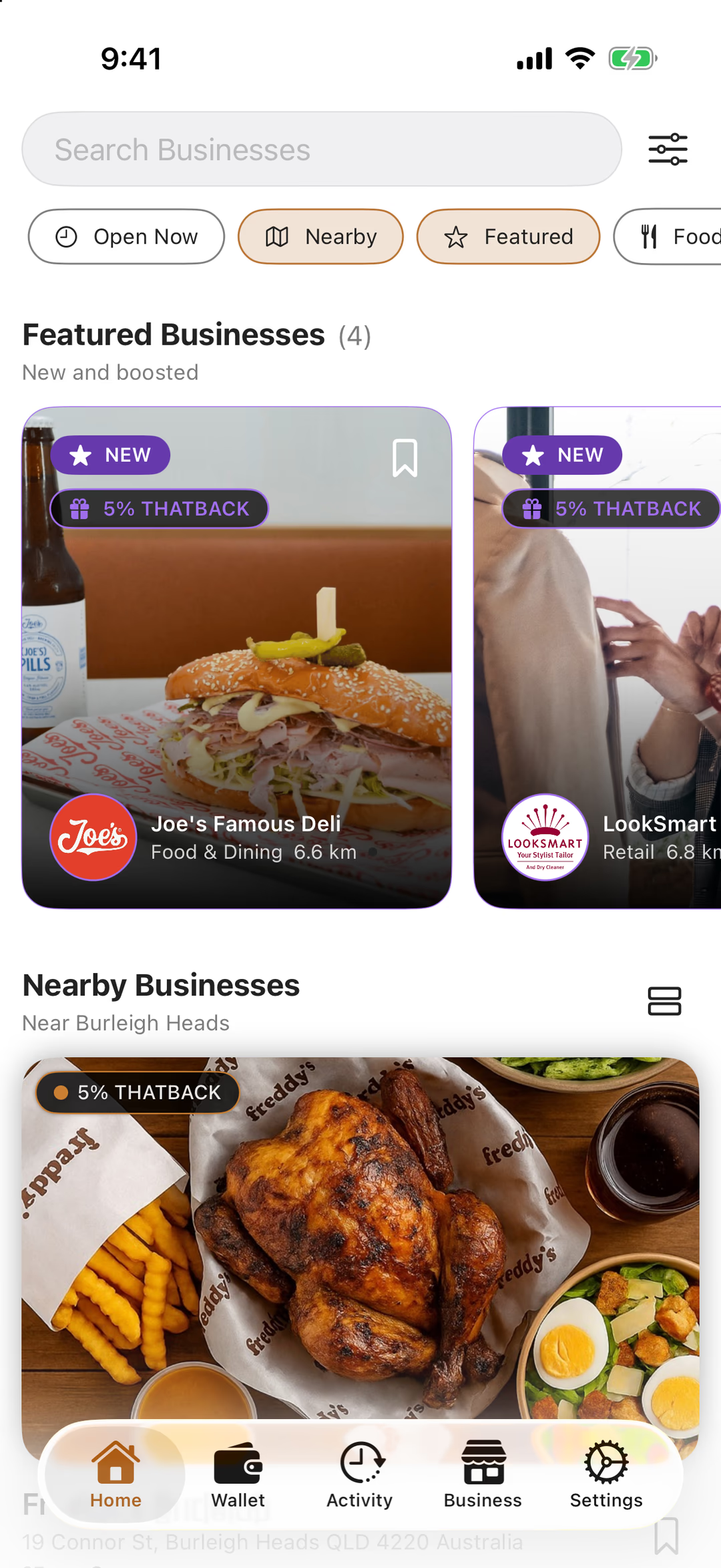
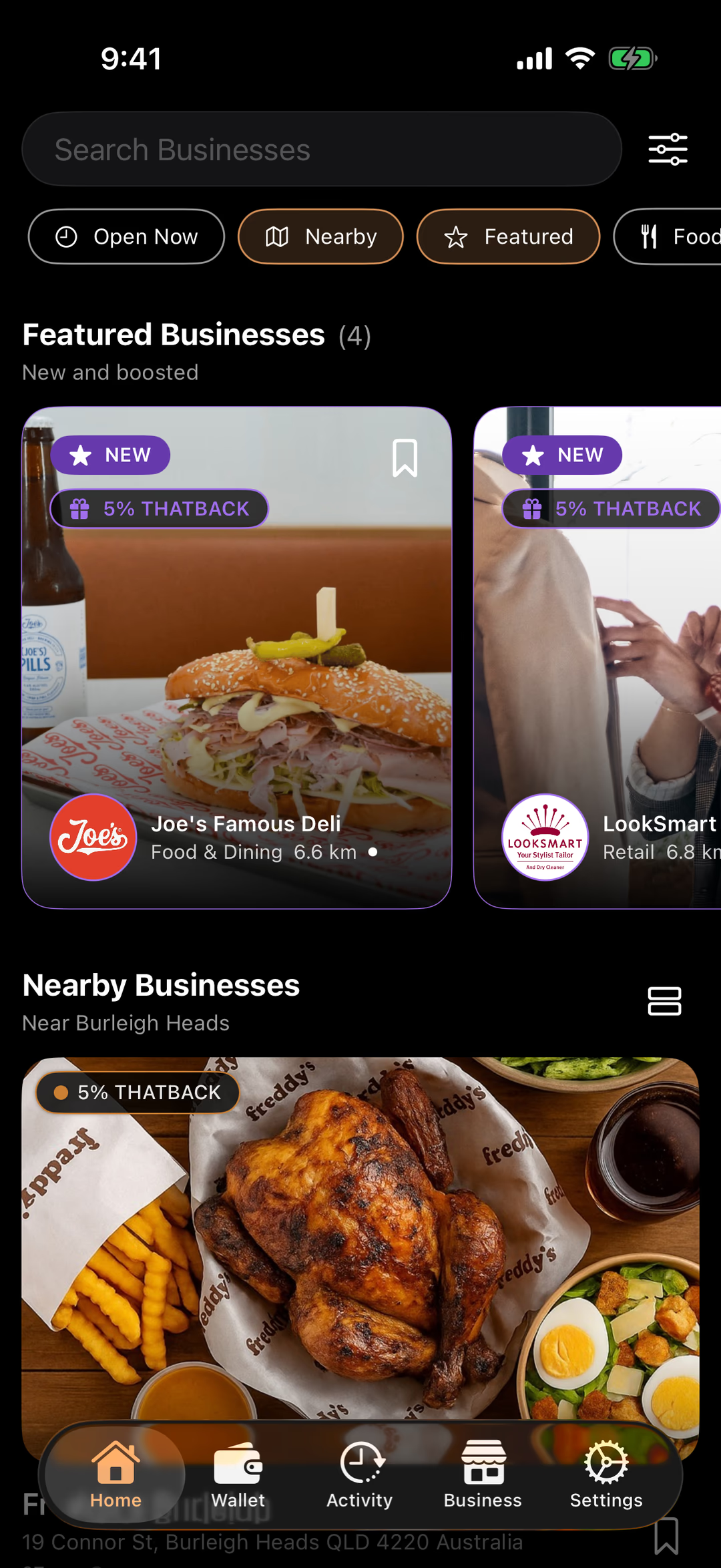
Tap a number to see what that part does. Screens are from the released app.
Search for a business by name, or for what you feel like.
Narrow the list by category, distance and more. The chips underneath are the quick ones: Open Now, Nearby, Featured.
New and boosted listings. The purple badge is their THATBACK rate: the share of what you spend that comes back to you as THAT Rewards.
Businesses around you, nearest first, each with its THATBACK rate. Tap one for its hours, address and how to pay.
Home is the directory of places that accept THAT. Activity is your history. Business is where a business owner lists and manages their own listing. Settings holds Security, networks and everything else.
Settings
Your wallets, connected apps, and the top of Security.
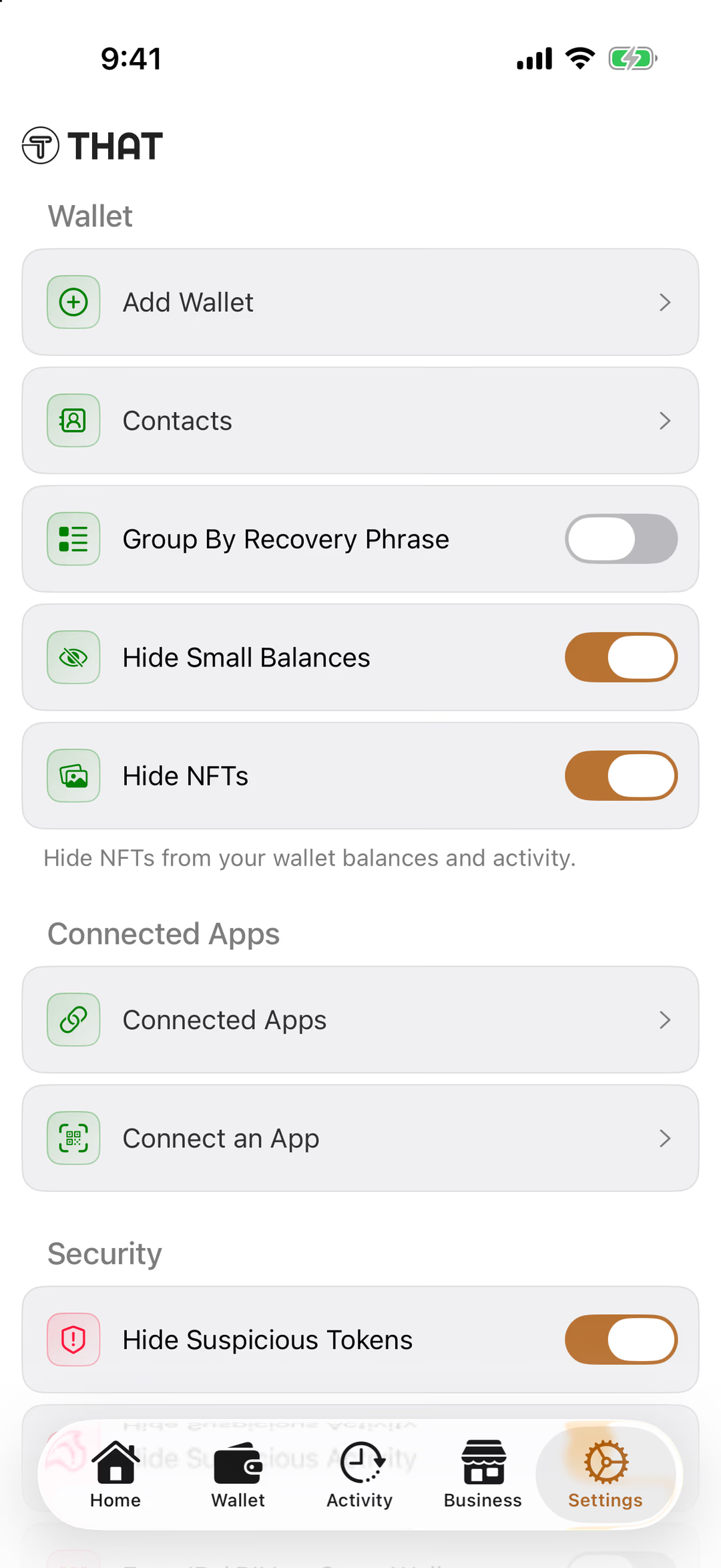
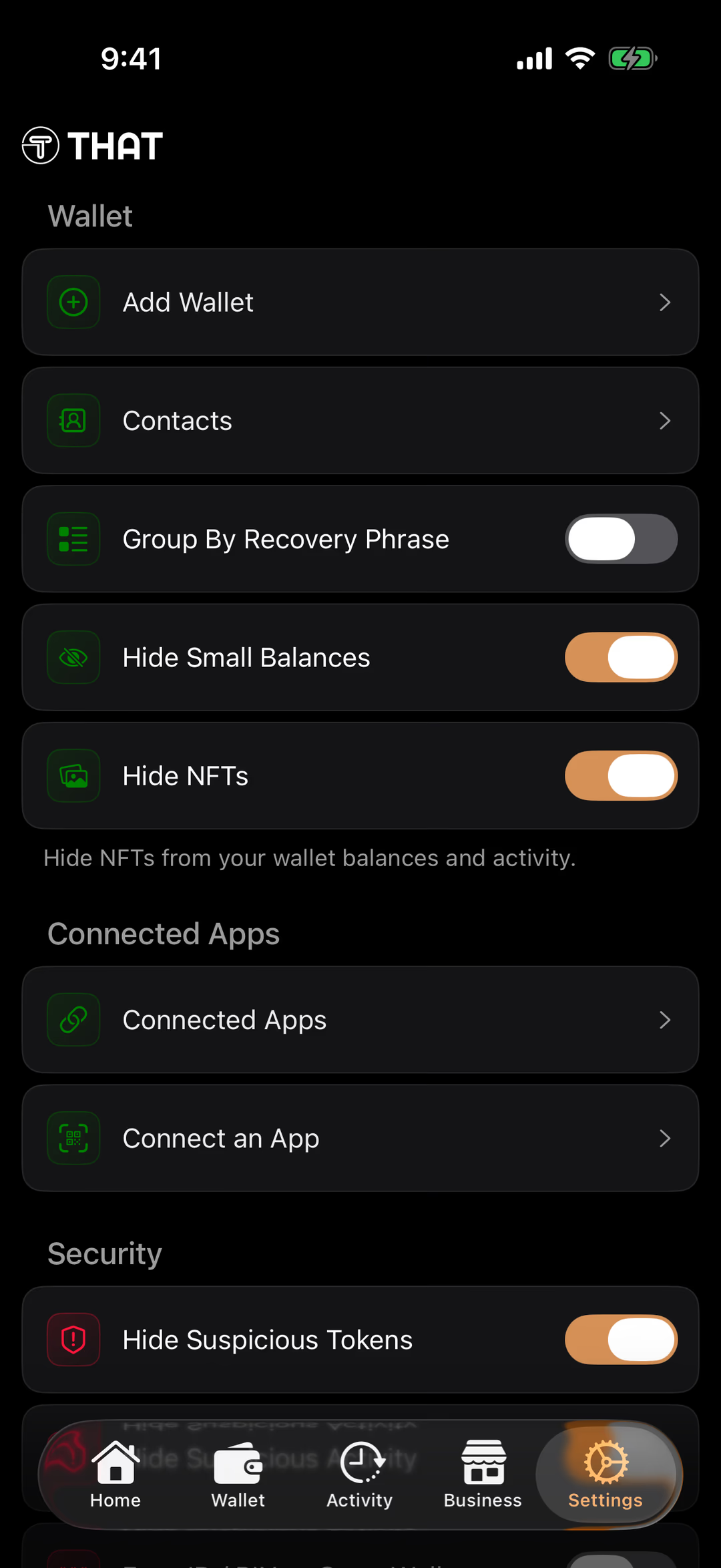
Tap a number to see what that part does. Screens are from the released app.
Create another wallet, or add one you already have from its recovery phrase.
Your address book: people and businesses you send to, saved by name.
Shows wallets that share a recovery phrase together, if you’ve added HD-wallets.
Keeps dust-sized token balances out of your list.
Hides collectibles from your balances and activity. On by default.
Websites and apps you’ve connected this wallet to, and a scanner to connect a new one.
The switches that decide who can open your wallet. The next screen of this tour goes through them.
Settings → Security
The switches that decide who can open your wallet. Two of them are off until you turn them on.
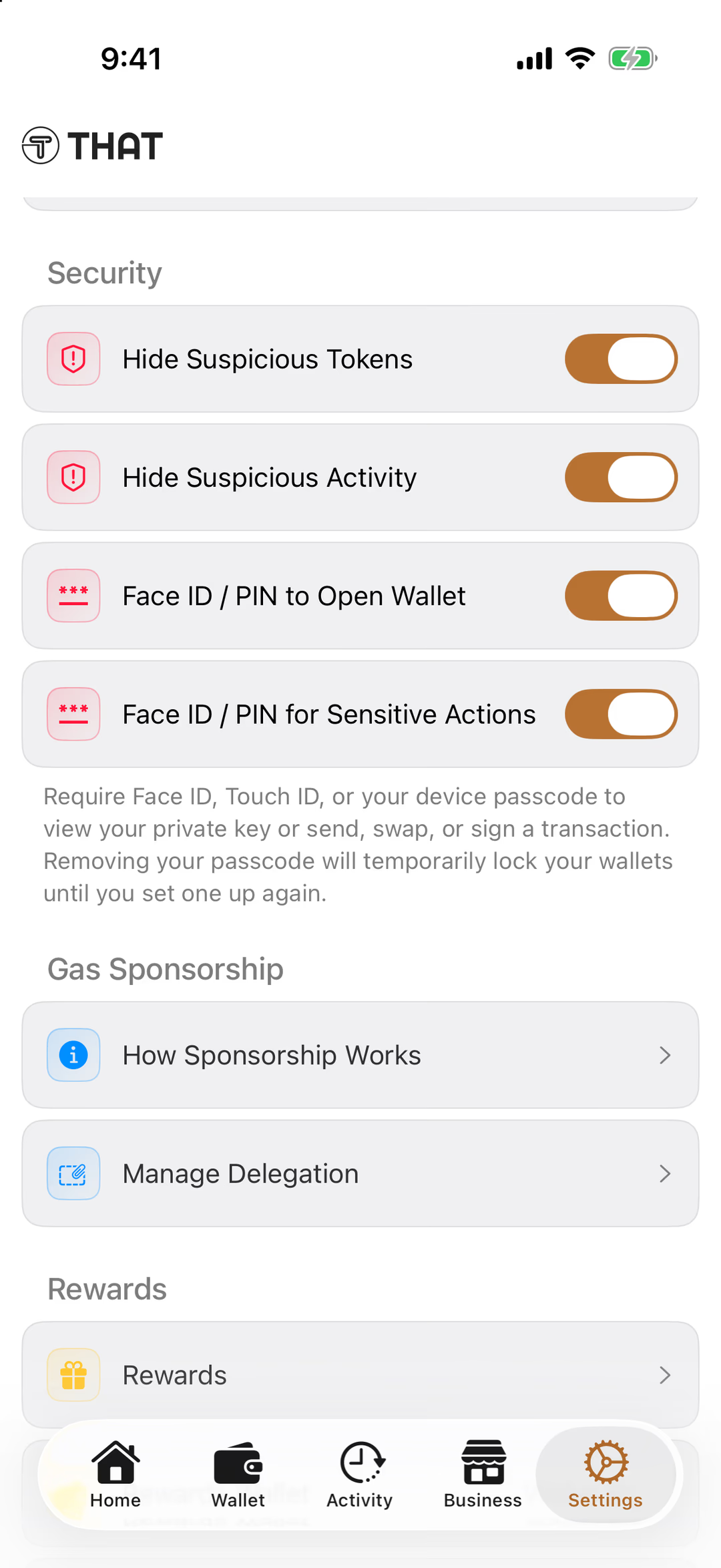
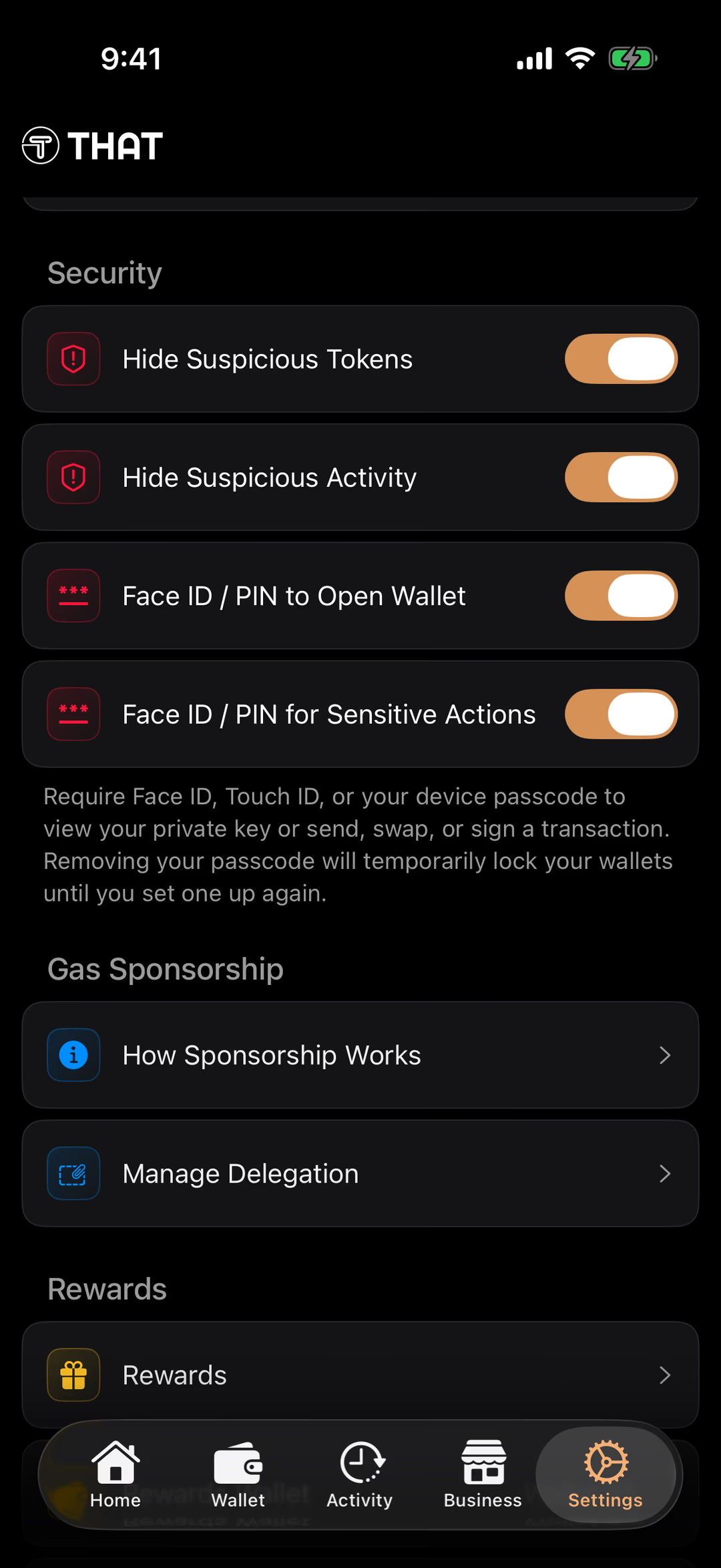
Tap a number to see what that part does. Screens are from the released app.
Keeps unverified tokens out of your wallet list. Scammers airdrop worthless tokens to real addresses hoping you’ll go looking for them on a dodgy site; hidden, they can’t tempt anyone.
The same for your history: spam and dust transactions stay out of Activity.
Asks for Face ID, Touch ID or your passcode before the Wallet tab opens. Off by default. Switch it on, so a picked-up phone doesn’t show your wallet.
Android: Biometric / PIN to Open Wallet.
Asks again before anything that moves money or shows your keys: sending, swapping, signing, or viewing your recovery phrase. Also off by default. Switch it on too.
Android: Biometric / PIN for Sensitive Actions.
THAT pays the network fees on your transactions. How Sponsorship Works explains it; Manage Delegation shows the on-chain permission that makes it possible, and lets you reset it.
Your THAT Rewards hub: your THATBACK balance, your tier and what the next one takes.
Business
For owners: list a business, reward customers, see results.
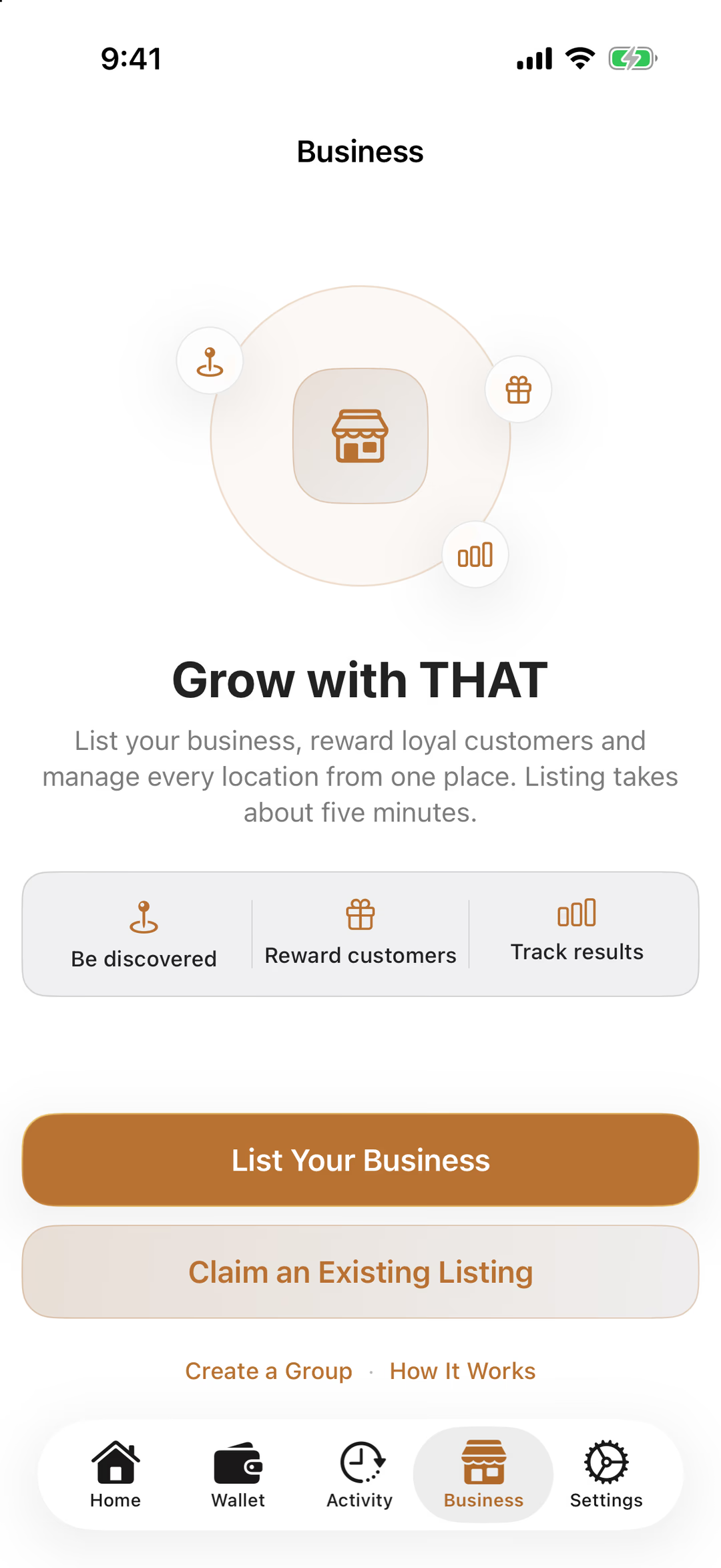
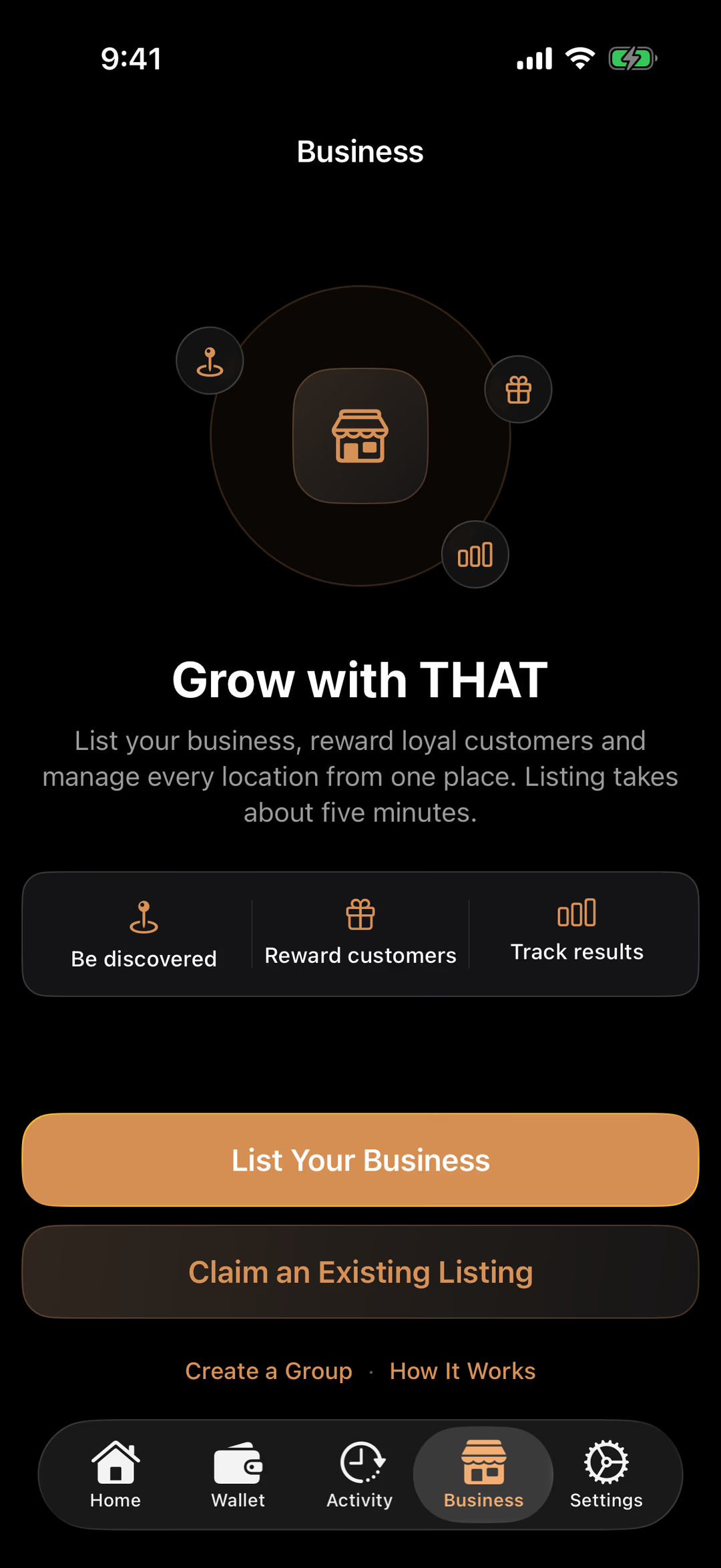
Tap a number to see what that part does. Screens are from the released app.
This tab is for business owners. Customers never need it; everything for paying is in Home and Wallet.
Be discovered in the directory, reward customers with THATBACK, and track results, all from the phone.
Creates a new listing in about five minutes: name, photos, hours, how customers pay.
For a business that’s already in the directory: prove it’s yours and take it over.
A group manages several locations from one place. How It Works explains the whole owner side.
Why self-custody
Who’s Really Holding Your Money?
Flip the switch to see the difference between leaving crypto on an exchange and holding it yourself.
- Who holds the keys
- On an exchange: The exchange does.Self-custody: You do, with a recovery phrase only you have.
- What you need to start
- On an exchange: An account, identity documents and a linked bank account.Self-custody: A phone and two minutes. No account, no ID check.
- If the platform freezes or fails
- On an exchange: Your funds can be locked, or lost with it.Self-custody: Nothing changes. Your crypto is on the blockchain, not inside a company.
- How you get back in
- On an exchange: An email, an ID check and a support ticket.Self-custody: Your recovery phrase, on any phone.
- Who's responsible
- On an exchange: Shared with a third party.Self-custody: You, completely. Keep the phrase safe and the rest follows.
Exchanges are where most people buy crypto. A self-custody wallet is where you hold and spend it. Many people use both.
Stay safe
Four Rules That Keep You Safe
Self-custody is simple once you know the few things that matter. Learn them once.
Nobody genuine asks for your recovery phrase.
Not THAT, not support, not an app, not someone in your messages. Anyone who asks is trying to take your crypto.
Paper, not screenshots.
Photos sync to the cloud on their own. Write the words on paper and keep it somewhere only you can reach.
“You’ve been hacked” messages are the scam.
A text or email saying your wallet is compromised exists to get your recovery phrase. Don’t tap the link. Open the THAT app directly.
Lock your wallet with Face ID or a PIN.
It’s off by default. Switch it on in Settings → Security, so only you can open your wallet or approve a payment.
Become Part of the Crypto Economy
Pay with crypto, discover crypto-friendly businesses, or start accepting crypto today.
- 10K+
- App Users
- 250K+
- THAT Transactions
- 5.0
- Star Rating